Page 86
39) If you do not wish to put a Zone(s) on Test press
Yes and jump to Step 44.
Otherwise
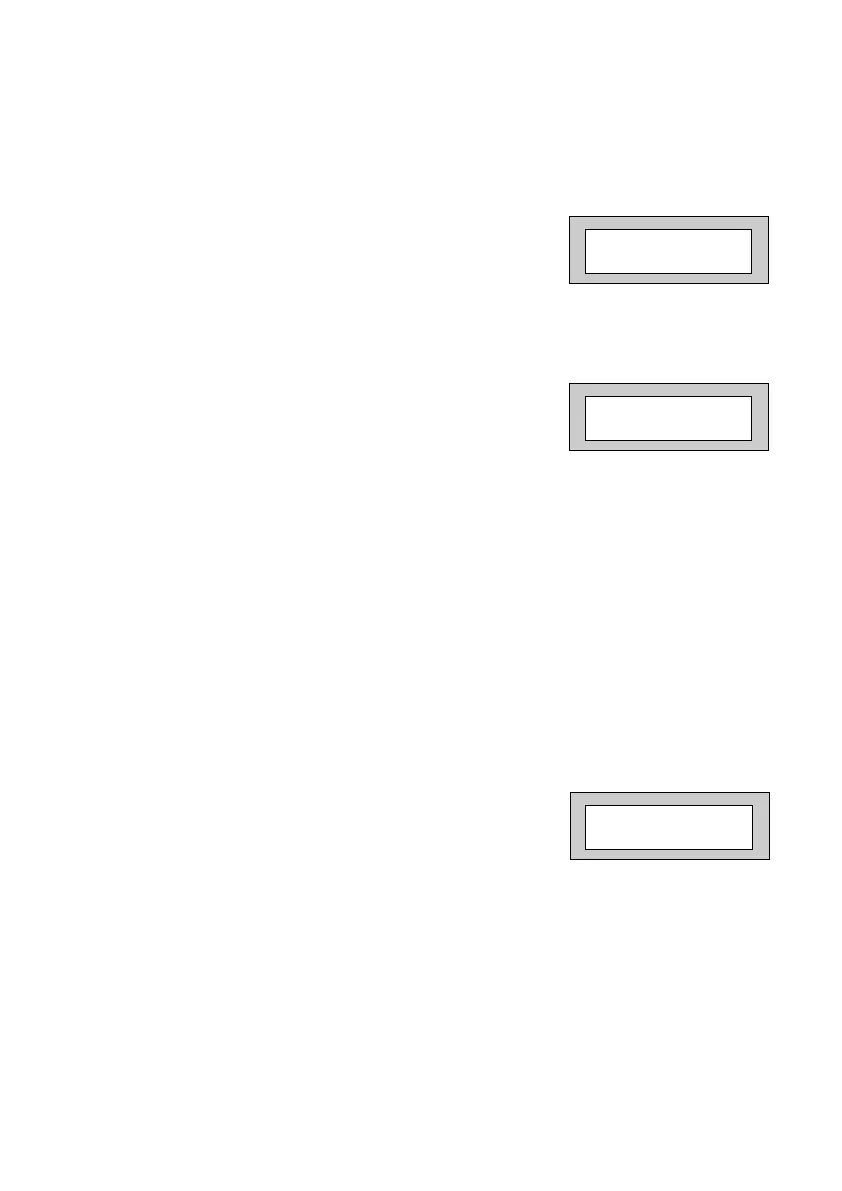
40) Press No. The display will show:-
41) Enter the Zone number you wish to place on test
followed by Yes.
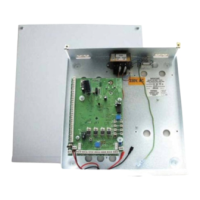
The display will show for example:-
42) To add more Zone(s) to the test repeat from
Step 40.
43) When you have finished adding Zones to Test
press Yes.
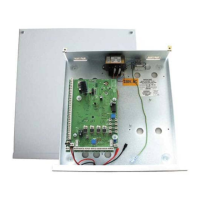
44) The display will show:-
Test 003
Enter Zone # _ _ _
then +YES or -NO
Pt-1 None
PR5892 Rev11 800 Series Eng Ref 15.qxd 16/11/2006 11:21 Page 86


 To Next Page