Page 97
7) Use the No key to scroll through the Setting Modes.
Options available for Setting Modes are.
Set By Time The system will Set after the Time shown in the
Exit Time.
Set By ET The system will set when the Exit Terminator Button
outside the premises is pushed. (This option will require
a Zone to be programmed as Exit Terminator).
Set By E/E Once the user has started to Set the system, the Exit Tones
will continue until the Final Exit Door is opened then closed.
This option will require a Door Contact.
Set By Time+E/E Once the user has started to Set the system, the system
will Set on either the Time expiring or the door opening and
closing. This option may require a Door Contact.
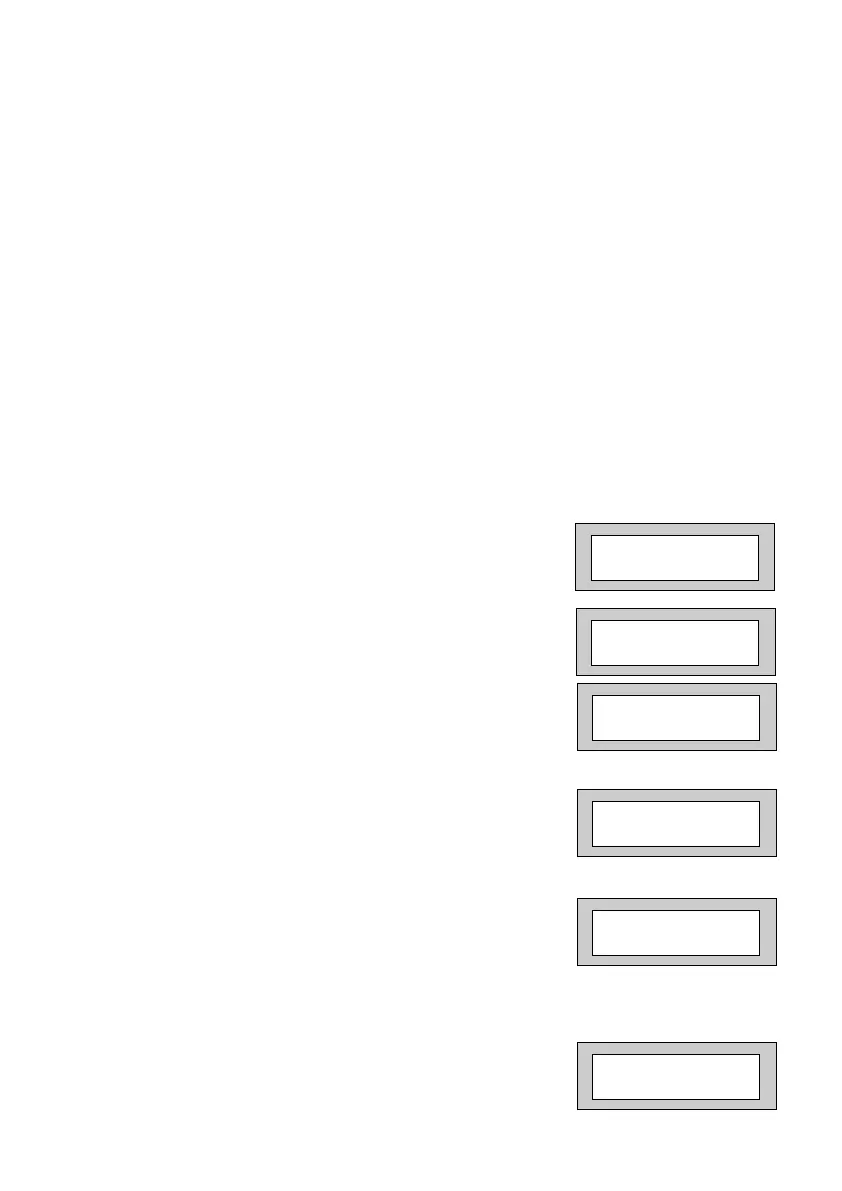
8) When the Setting Mode you require is displayed,
press Yes. The display will show:-
9) Repeat for all Areas. After Area 7, the display
will show:-
10) Press No. The display will show:-
11) Press Yes. The display will show:-
12) Press No twice. The display will show:-
13) Enter the time you require as the Exit Time
(in seconds), followed by Yes.
The display will show, for example:-
Program Setting
for PART 1 set ?
P1-EXIT A1 =30s
=Set by TIME
P1-EXIT A1 >_ _s
=Set by TIME
P1-EXIT A1 =20s
>Set by TIME
Program Setting
for FULL set ?
F-EXIT A2 =30s
=Set by TIME
PR5892 Rev11 800 Series Eng Ref 15.qxd 16/11/2006 11:21 Page 97



 To Next Page