44 GPSMAP 60CSx Owner’s Manual
MAIN PAGES >
• Lock On Road—locks the current position
pointer to show on the nearest road,
compensating for variances in map position
accuracy.
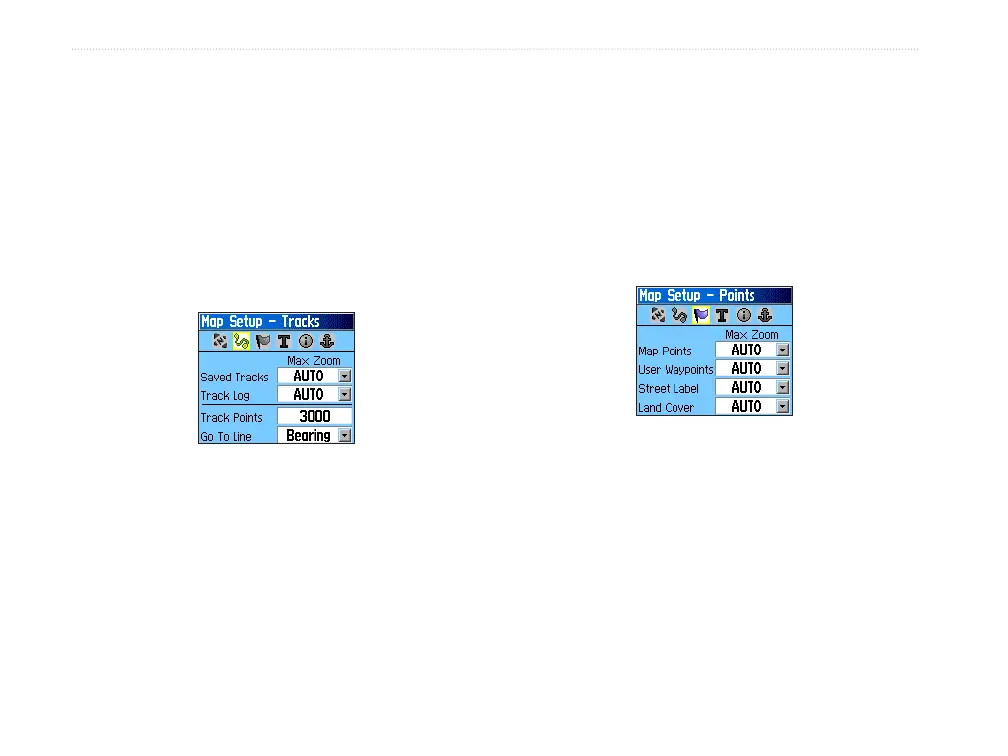
Map Setup – Tracks Page
The Map Setup – Tracks Page contains settings for
Saved Tracks, Track Log, Track Points, and the Go To
Line.
Map Setup – Tracks Page
• Saved Tracks—sets the maximum zoom range
at which saved tracks are shown on the map.
• Track Log
—sets the maximum zoom range at
which active track logs are shown.
• Track Points
—sets the maximum number of
track points used to record a track.
• Go To Line
—selects either a bearing or course
line for navigating a track.
Map Setup – Points Page
Us the Map Setup – Points Page to set the map scale
at which Map Points, User Waypoints, Street Label,
and Land Cover appear on the Map Page. Select
Auto, Off, or a specific zoom level.
Map Setup – Points Page















 To Next Page