GPSMAP 60CSx Owner’s Manual 45
MAIN PAGES >
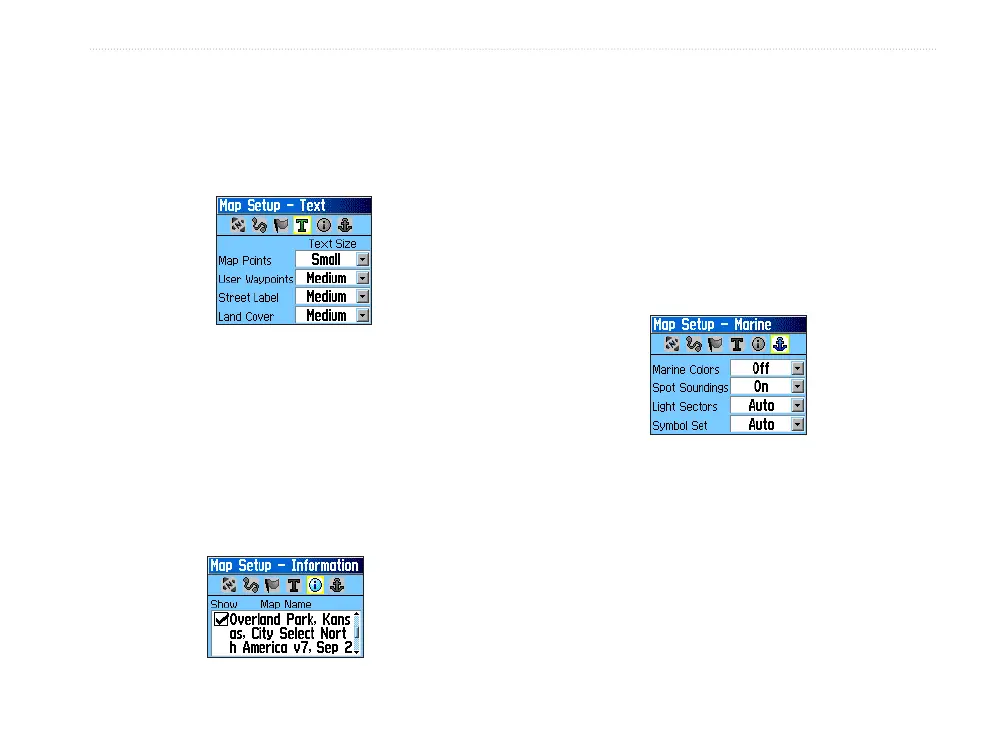
Map Setup – Text Page
Use the Map Setup – Text Page to select the text size
for descriptions of map items on the Map Page. You
can select from Small, Medium, or Large.
Map Setup – Text Page
Map Setup – Information Page
The Map Setup – Text Page shows a list of
downloaded detailed maps such as topographic,
marine charts, and MapSource maps with auto-routing
capability. Use the ROCKER to highlight a map, and
press ENTER to show it on the map display or turn
it off.
Press MENU to view the options for displaying maps.
Map Setup – Marine Page
Use the Map Setup – Marine Page to customize settings
for marine colors, spot soundings, light sectors, and
symbol sets when using downloaded marine charts
(MapSource BlueChart marine mapping data).
• Marine Colors—toggles marine colors on or
off on the Map Page.
• Spot Soundings—
toggles spot soundings on
or off on the Map Page. (Depth measurements
shown on the map)
• Light Sectors—
select Off, Auto, or ON.
(Navigational light locations)
• Symbol Set—
select the symbol set to use
(Auto, GARMIN, NOAA, International).
Map Setup – Information Page
Map Setup – Marine Page















 To Next Page