165
Viewing the display on a television
www.gateway.com
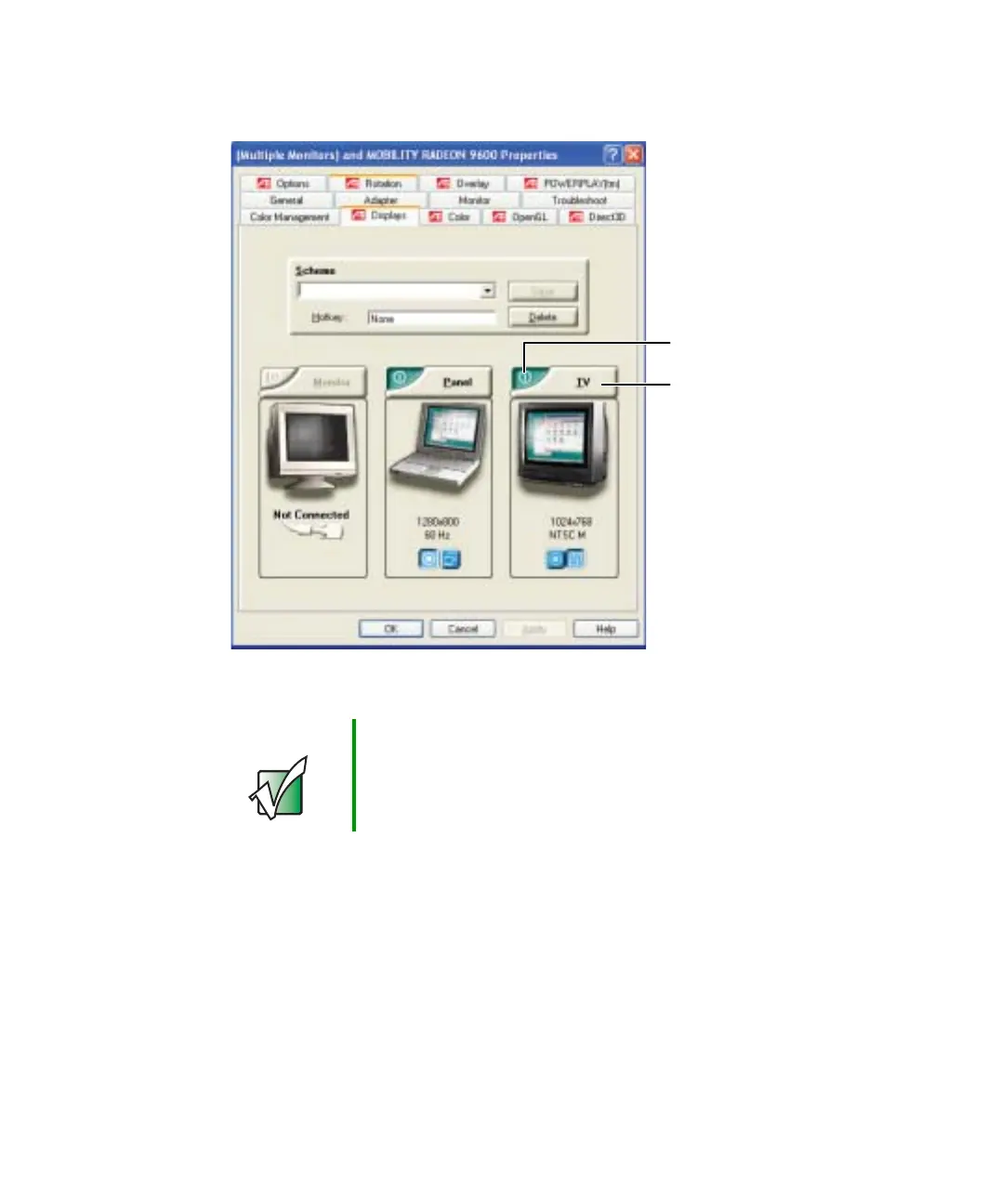
9 Click the Displays tab.
10 Click the Enable TV button if it is not already enabled.
Important If the Enable TV and TV buttons are grayed out, your
notebook has not detected the television. Make sure that
the television is turned on and connected correctly.
Enable TV
TV



 To Next Page