21
Connecting the AC adapter
www.gateway.com
Connecting the AC adapter
You can run your notebook using an AC adapter or your notebook’s battery.
The battery was shipped to you partially charged. You should use the
AC adapter right away to fully charge the battery. Allow 24 hours for the battery
to fully charge.
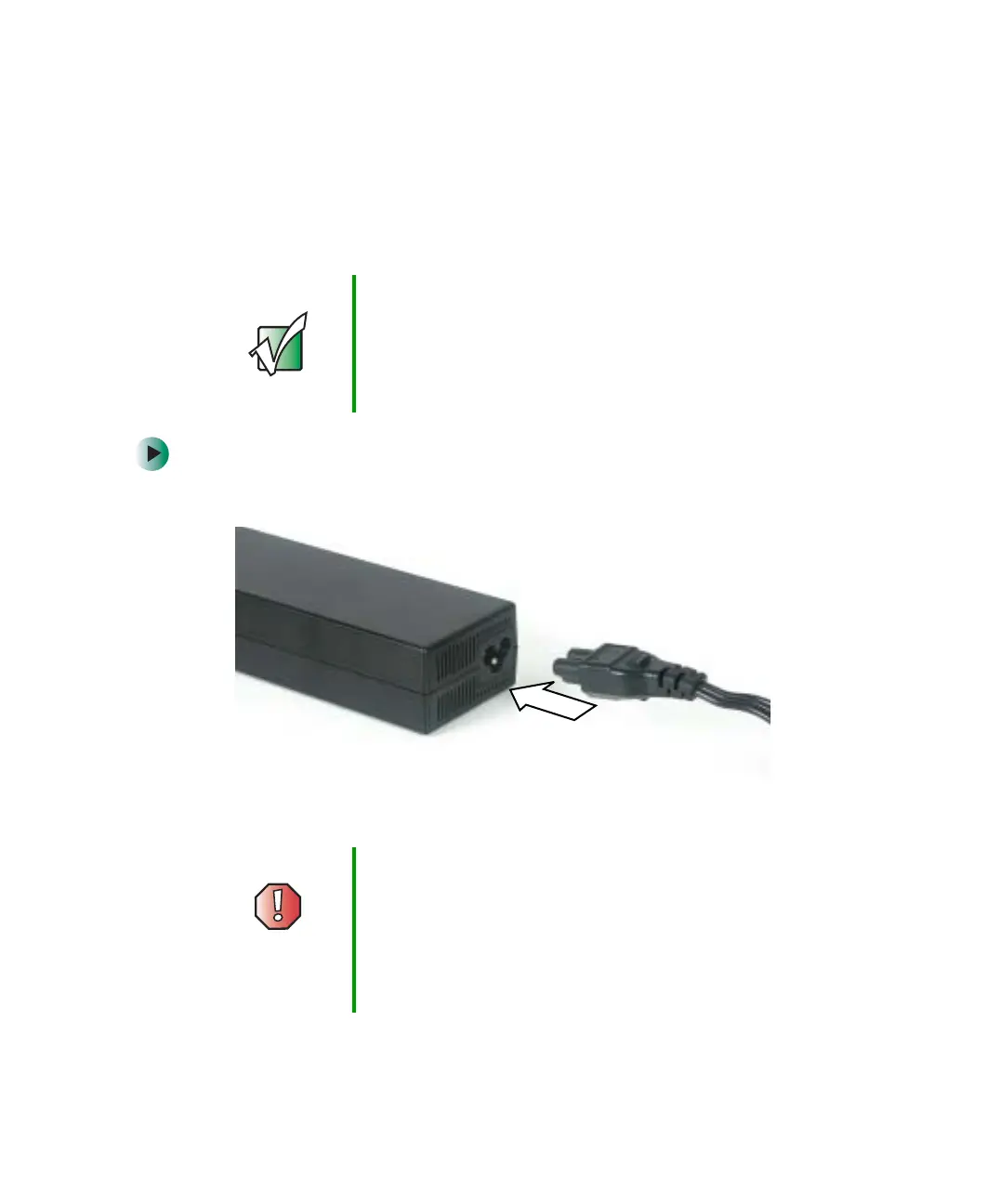
To connect the AC adapter:
1 Connect the power cord to the AC adapter.
Important If the battery is not fully charged before you use your
notebook on battery power for the first time, the battery life
may be much shorter than you expect. If the battery life
seems short even after being charged for 24 hours, the
battery may need to be recalibrated. For more information,
see “Recalibrating the battery” on page 170.
Warning Make sure that you use the AC adapter that came with your
notebook or one of the same type purchased from
Gateway.
Replace the power cord if it becomes damaged. The
replacement cord must be of the same type and voltage
rating as the original cord or your notebook may be
damaged.



 To Next Page