CHAPTER 2: Checking Out Your Notebook
8
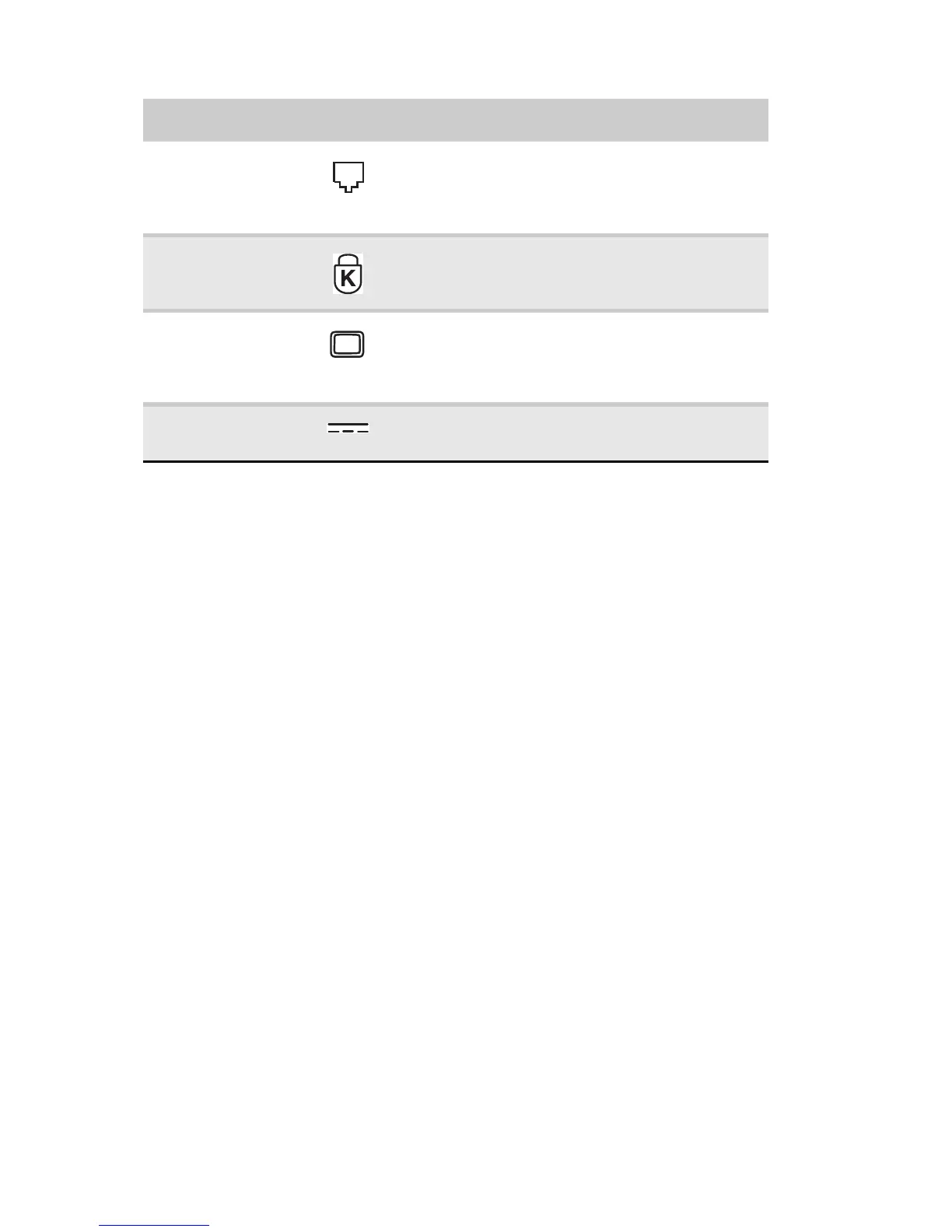
Modem jack
(optional)
Plug a dial-up modem cable into this
optional jack. For more information, see
“Connecting the optional dial-up
modem” on page 21.
Kensington™
lock slot
Secure your notebook to an object by
connecting a Kensington cable lock to this
slot.
Monitor port Plug an analog VGA monitor or projector
into this port. For more information, see
“Viewing the display on a projector,
monitor, or television” on page 55.
Power
connector
Plug the AC adapter cable into this
connector.
Component Icon Description



 To Next Page