Instructions for SL500DCL/SL800DCL
www.gatexpertstore.com
be steady on.
4. Press “SET” button once to enter into opening direction setting. Indicator light L1 will
indicate the current setting. (Default is L1 on)
5. Press “+” or “-” button to set the opening direction. Indicator light L1 on or off stands
for the 2 directions. (L1 on: open to right-hand; L1 off: open to left-hand)
Press “SET” button once to save and system will automatically exit. The indicator
lights L1-L5 will be on in sequence, then all will flicker once and off.
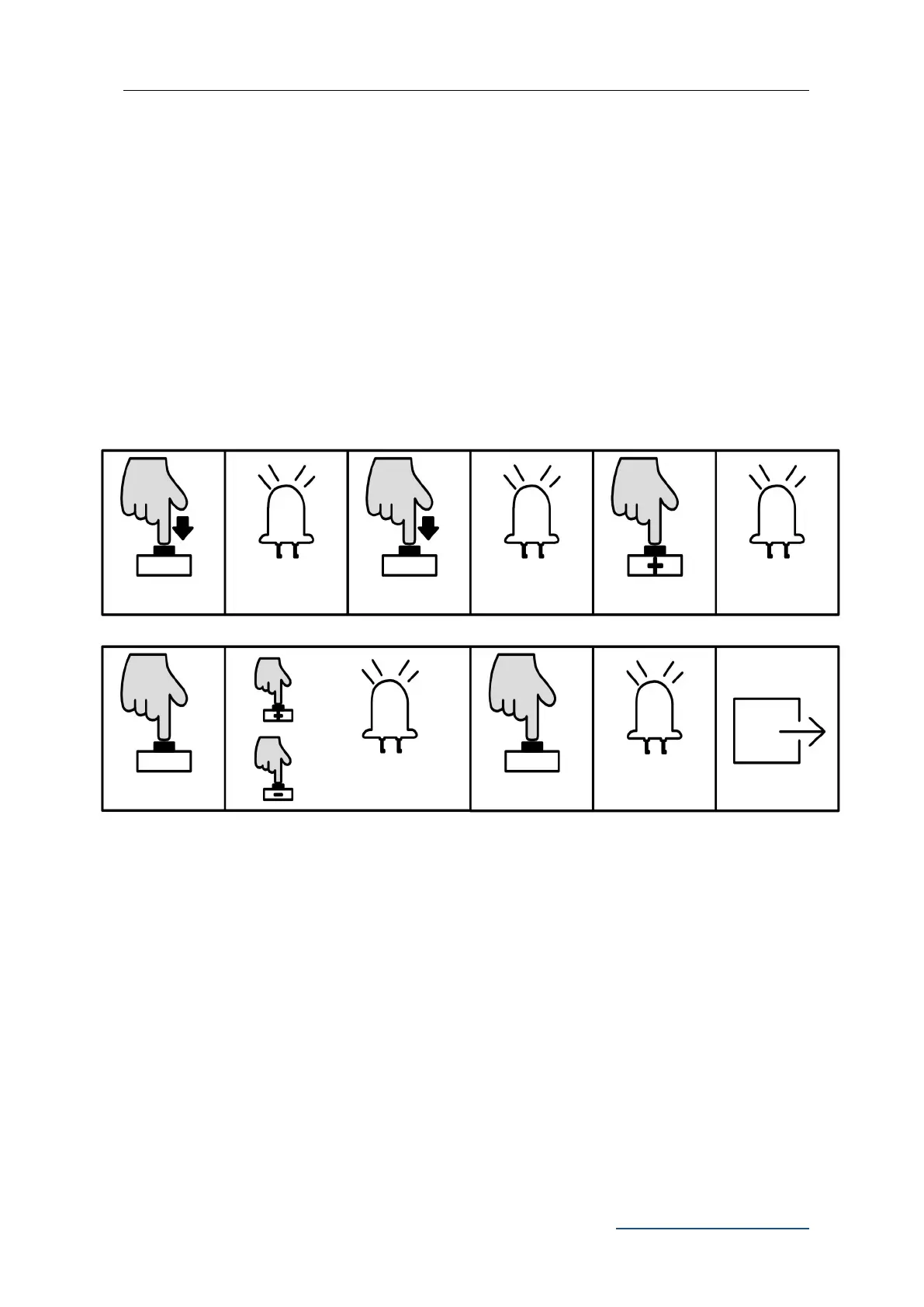
B. Operation Graphic Illustration
Note: After changing the opening direction, L1 and L2 will flicker together, it’s a
notice that reminding you to re-set the running travel for the gate. Before re-setting,
it’s extremely important to enter into manual control mode to confirm the polarities
of the limit switch stops are correct and well contacted to the magnetic limit switch.
Alarm Lamp Setting(L5)
This setting is to select the working mode of alarm lamp (blinker or steady on)
A. Operation Instruction:
1. Press and hold “PROG” button for 3 sec. to enter into basic menu. Indicator light L0
will flicker once, then L1 will be steady on.
L0 flicker once, L1
will be steady on
Press “PROG”
again for 3 sec.
L0 flicker twice, L1
will be steady on
Press “+” or “-” to set, LED
will show the setting value
L1-L5 will be on in
sequence then all
flicker once and off.



 To Next Page