Instructions for SL500DCL/SL800DCL
www.gatexpertstore.com
Note: The buzzer cannot be disabled under battery powered.
Battery Level Checking
The current battery level can be checked through the indicator lights. When the battery
power is low (battery voltage
<
11.3V), the gate opener will stop running to protect the
battery being damaged. Under such circumstance, users may have to unlock the gate
opener first, then move the gate by hand.
A. Operation Instruction:
1. Press “SET” button once. Indicator lights L1-L5 will indicate the current battery level
(Table 3 Battery Level)
2. Press “PROG” button once to exit the battery level checking. Indicator lights L1-L5
will be off.
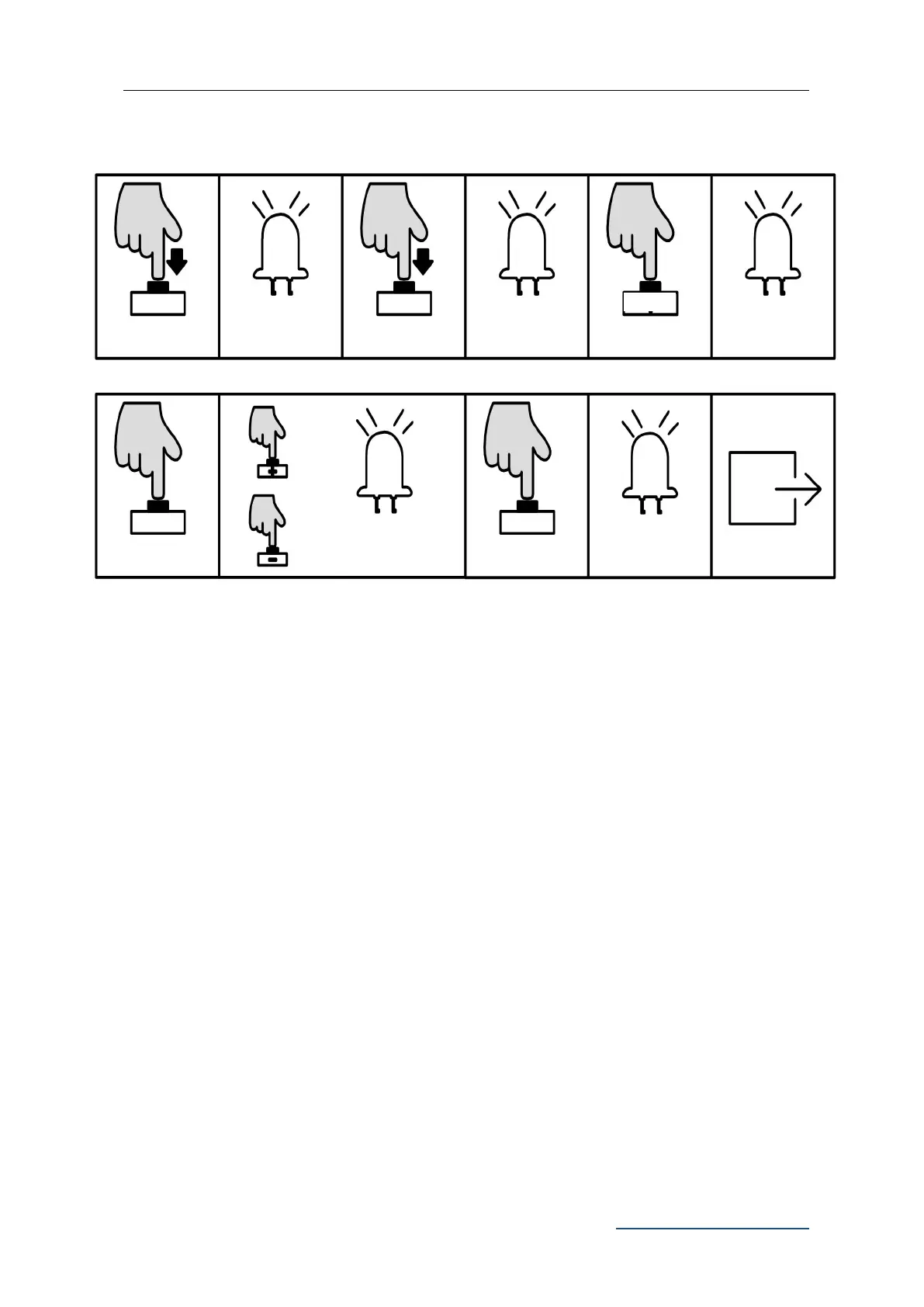
B. Operation Graphic Illustration
L0 flicker once, L1
will be steady on
Press “PROG”
again for 3 sec.
L0 flicker twice, L1
will be steady on
Press “+” or “-” to set, LED
will show the setting value
L0 flicker three
times, L1 will be
steady on
L1-L5 will be on in
sequence then all
flicker once and off.



 To Next Page