Instructions for SL500DCL/SL800DCL
www.gatexpertstore.com
button for 3 sec., the indicator light L0 will flicker three times then enter into other menu
setting.
2. Different functions can be selected through “+” and “-” buttons.
3. Press “SET” button to enter into the selected function settings.
Emergency Stop Distance Setting(L1)
This setting is to change the distance of emergency stop during gate running. A longer
distance will reduce the damage to the gate brings by impact force of emergency stop.
Users can set the distance to their required.
A. Operation Instruction:
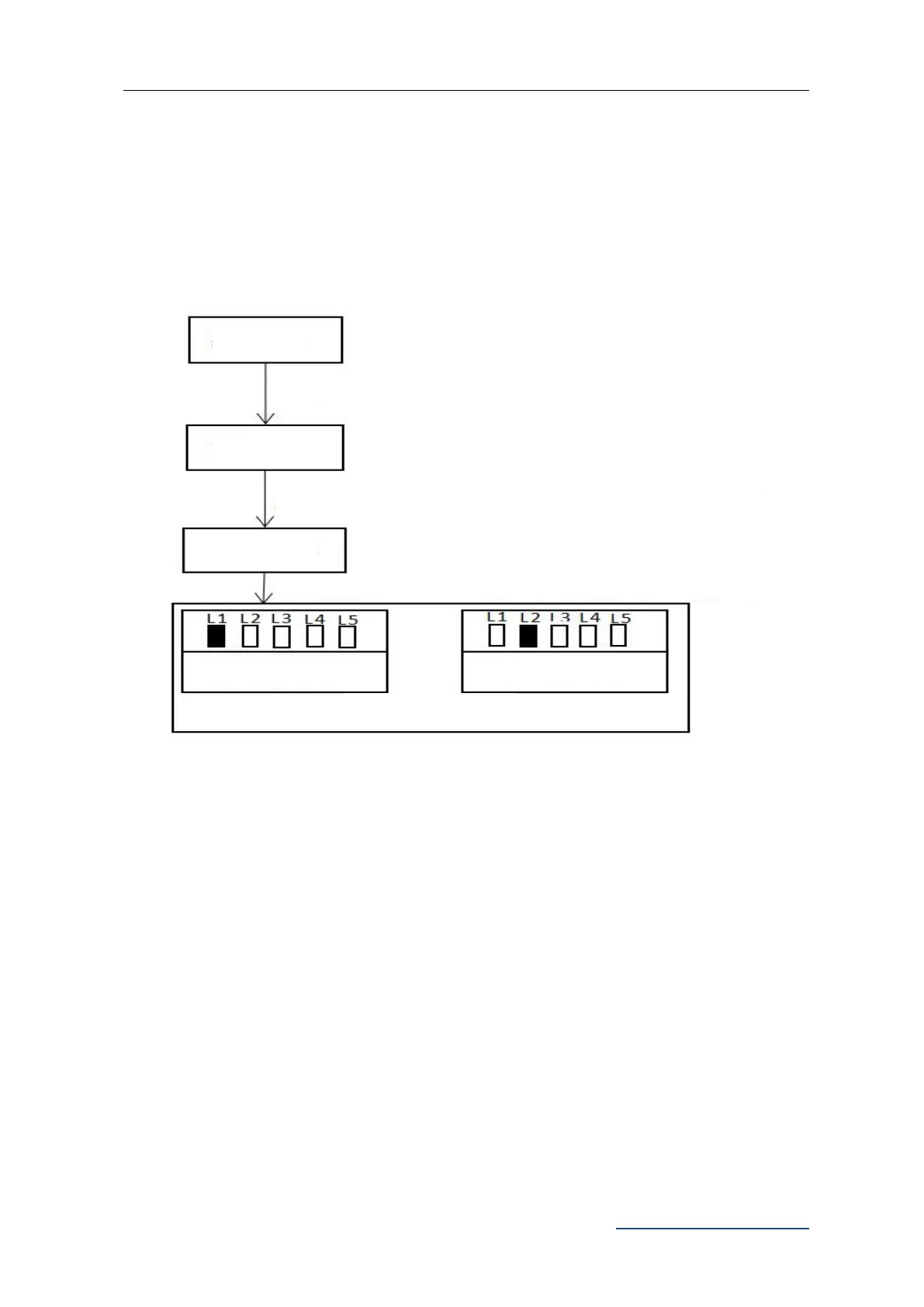
1. Press and hold “PROG” button for 3 sec. to enter into basic menu. Indicator light L0
will flicker once, then L1 will be steady on.
2. Press “PROG” button again for 3 sec. to enter into advanced menu. L0 will flicker
twice, then L1 will be steady on.
Press “PROG” for 3 sec., L0 will flicker once
Press “PROG” again for 3 sec., L0 will flicker twice
Emergency Stop Distance
Setting
Press “PROG” for 3 sec. for the third time, L0 will flicker three times



 To Next Page