EasyManua.ls Logo

GATEXPERT SL500DCL - Restore Factory Settings

GATEXPERT SL500DCL
53 pages
Print Icon
To Next Page IconTo Next Page
To Previous Page IconTo Previous Page
Loading...
Instructions for SL500DCL/SL800DCL
www.gatexpertstore.com
45
Table 3 Battery Level
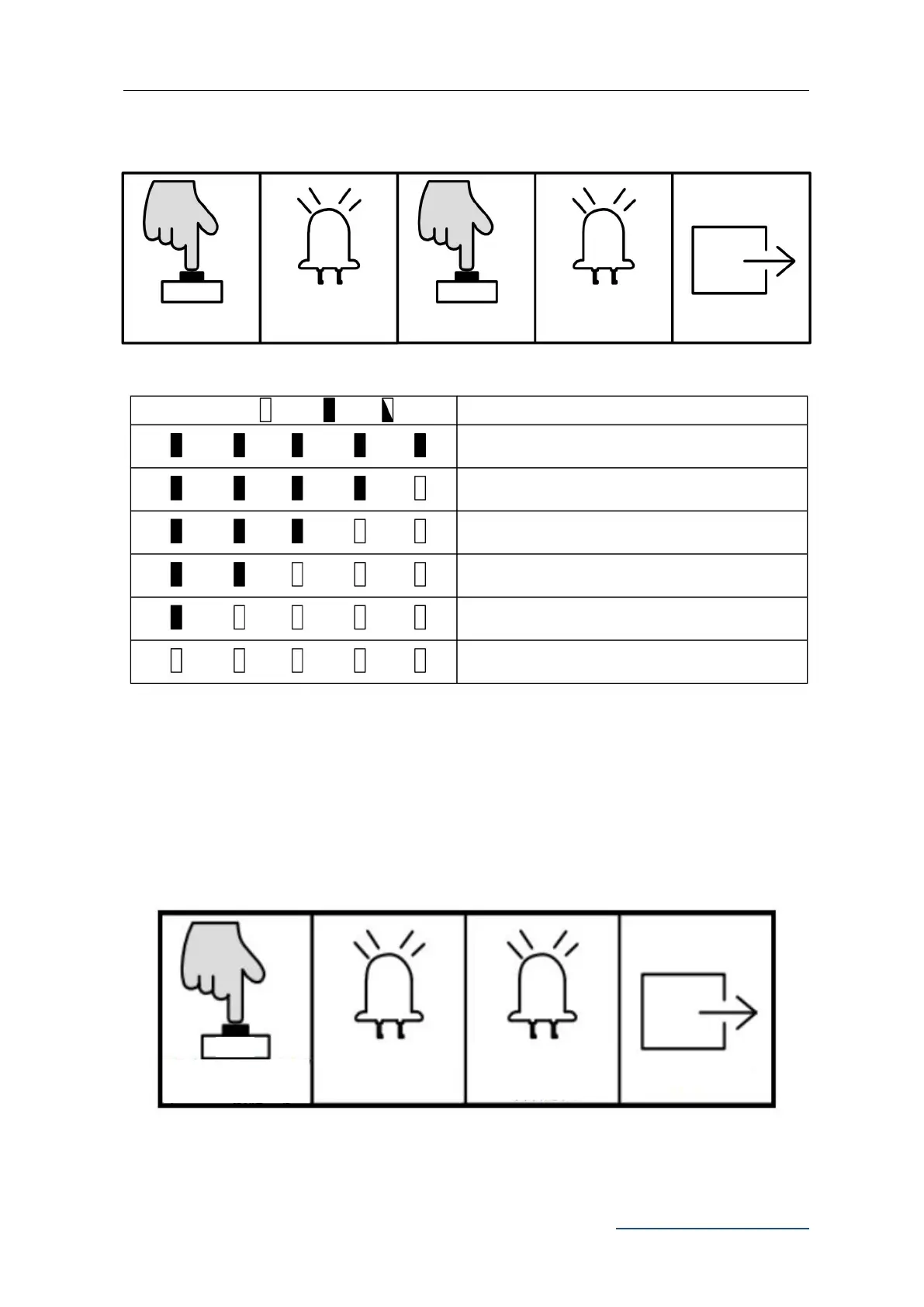
Restore Factory Setting
1. Simultaneously press the three buttons “SET”
“+” and “-” for 3 sec. The indicator
lights L1-L5 will be on in sequence, then all will flicker once and off. Save and exit.
Press SET” once
L1-L5 off
Battery Level 11.3V
Battery Level 11.7V
Battery Level 12.0V
L1-L5 will indicate the
current battery level
Battery Level 12.3V
Battery Level 12.6V
Off
Press “PROG” once
Status Instruction
On
Exit
Indicator Light Status
Flicker
Battery Level 11.3V
L5
L2
L4
L3
L1
L5
L5
L5
L5
L2
L2
L2
L2
L4
L4
L4
L4
L3
L3
L3
L3
L1
L1
L1
L1
Save and exit
L5
L2
L4
L3
L1
L1-L5 will be on in
sequence
Press SET” “+” and
“-” together for 3 sec.
PROG
SET
SET
all flicker once and off

Related product manuals