SIGA-REL programming
C.4 QS4 Technical Reference Manual
¨
¨¨
¨ Add the the two releasing
circuits
1. Set the Quantity box to 1.
2. Enter the following information:
Device Type: Output
Model: REL
Personality: (16) Output B
Message Specification: SIGA–REL1 A003 and RELEASE
1&2
2nd Device Type: Monitor
2nd Personality: (0) None
2nd Message Specification: SIGA–REL1 A004 and NOT
USED
3. Click Add.
¨
¨¨
¨ Add the two prerelease circuits 1. Set the Quantity box to 1.
2. Enter the following information:
Device Type: Output
Model: REL
Personality: (16) Output B
Message Specification: SIGA–REL1 A005 and
PRERELEASE 1&2
2nd Device Type: Monitor
2nd Personality: (0) None
2nd Message Specification: SIGA–REL1 A006 and NOT
USED
3. Click Add.
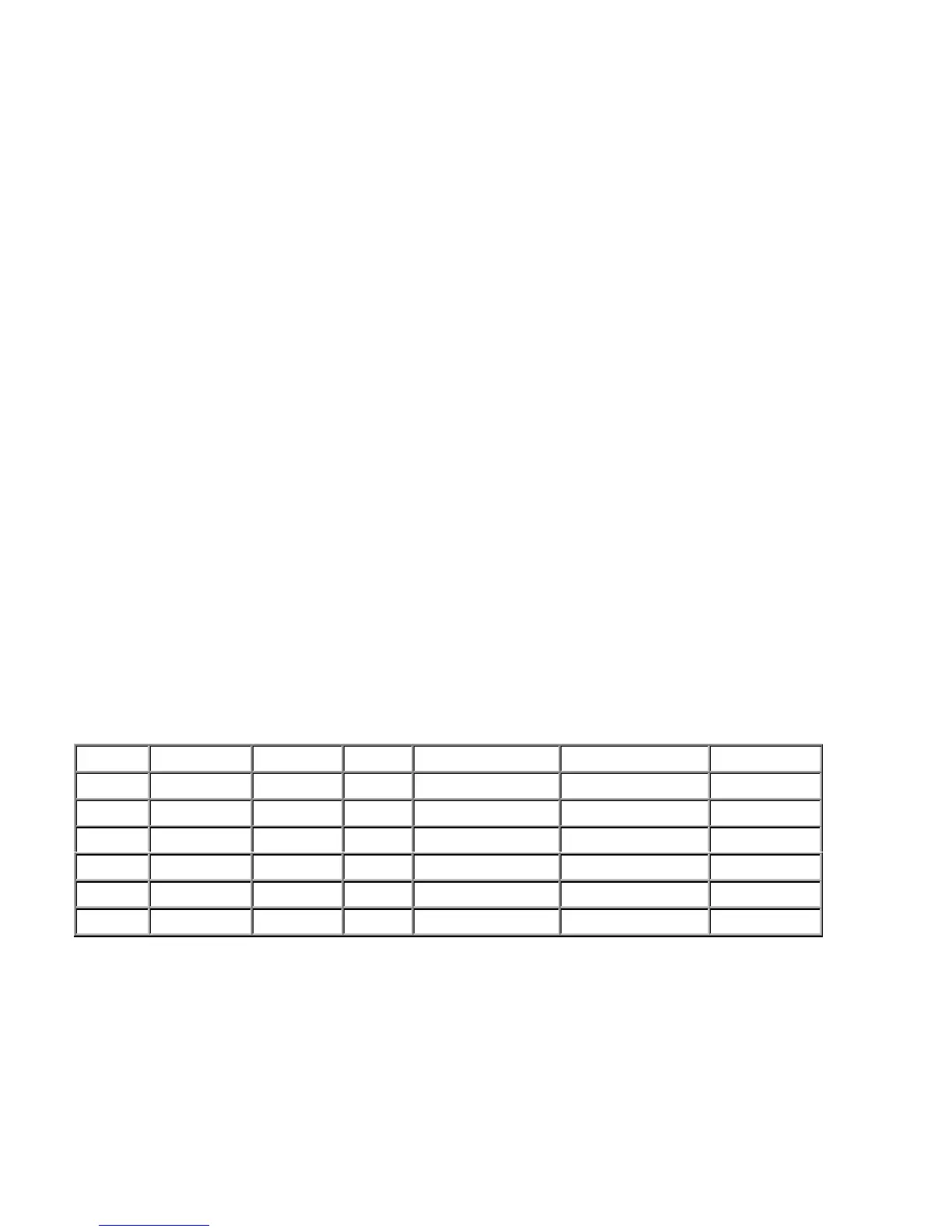
This is how your entries in the Modules table should look. Your addresses may be different.
Address Serial Number Device Type Model Text 1 Text 2 Personality
126
Monitor REL SIGA–REL1 A001 ABORT SW (3) Active B
127
Pull REL SIGA–REL1 A002 MAN RELEASE SW (1) Alarm B
128
Output REL SIGA–REL1 A003 RELEASE 1&2 (16) Output B
129
Monitor REL SIGA–REL1 A004 NOT USED (0) None
130
Output REL SIGA–REL1 A005 PRERELEASE 1&2 (16) Output B
132
Monitor REL SIGA–REL1 A006 NOT USED (0) None
Technical Manuals Online! - http://www.tech-man.com



 To Next Page