– 17 –
Dryer Components
WARNING: Sharp edges may be exposed when
servicing the dryer. Use caution to avoid injury.
Wear Kevlar® gloves or equivalent protection.
Note: Combined Phillips-head/square-drive recess
screws are utilized throughout this appliance. Either
Phillips or square-drive screwdrivers can be used to
extract or install these screws.
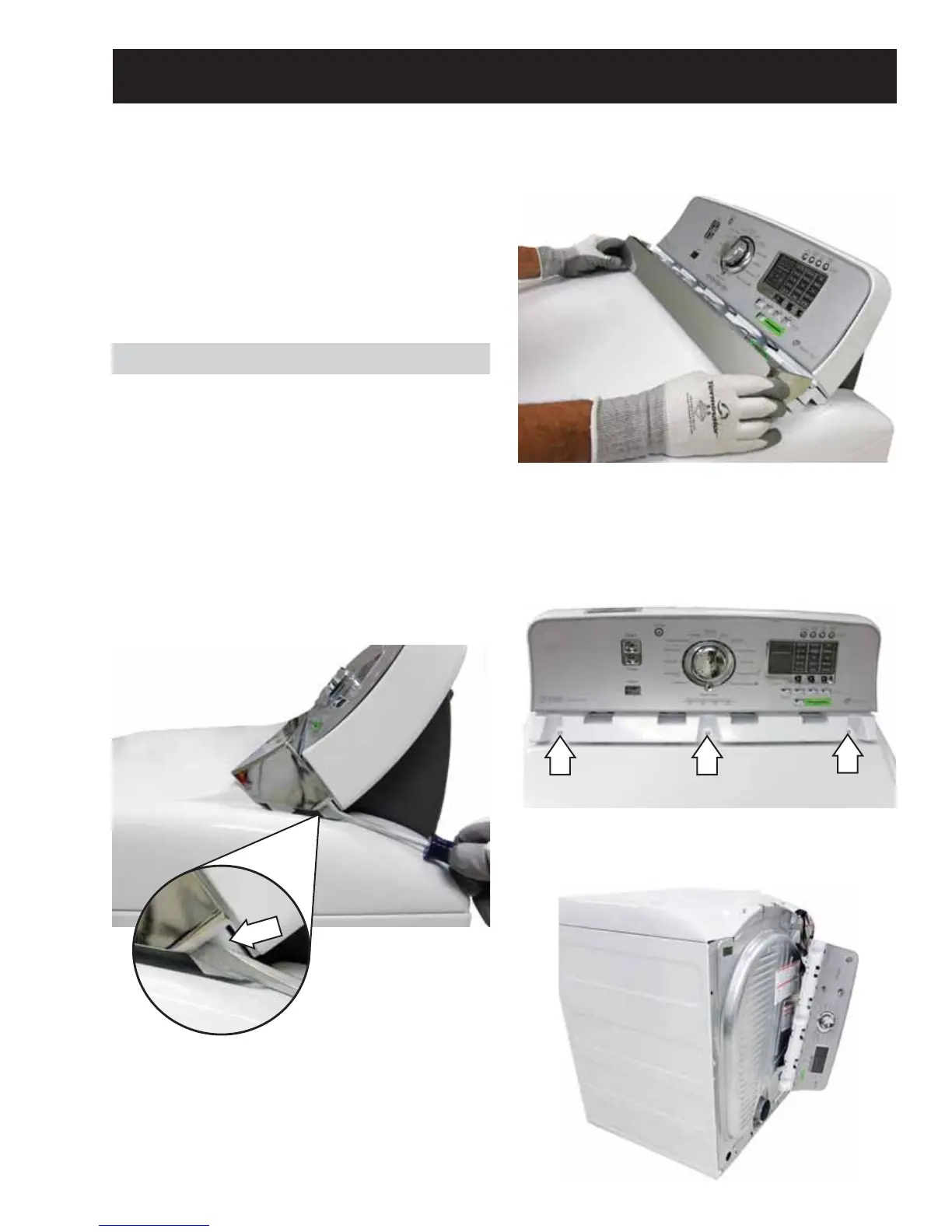
3. Remove the three 1/4-in. hex-head screws that
attach the control panel to the main top.
4. Push the control panel back and remove it from
the 2 shoulder screws attached to the main top.
5. Carefully hang the control panel over the back
of the dryer.
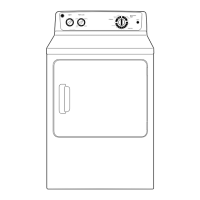
Control Panel
Removal of the control panel provides access to the
control board assembly. The control panel is held in
place with 3 screws located below the control panel
chrome trim and 2 key slots inside the control panel
that engage 2 shoulder screws attached to the main
top.
To remove the control panel:
1. Insert a fl at blade screwdriver and press in each
of the 2 release tabs (1 on each side) and slide
the chrome trim forward from the control panel.
2. Remove the chrome trim from the control panel.
Tab


 To Next Page