– 18 –
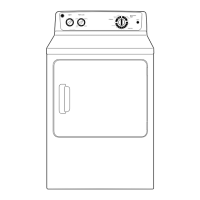
Front Panel
Removal of the front panel provides access to the
drum and drive belt. The front panel is held in place
by 6 screws and 2 bottom tabs on the frame.
To remove the front panel:
1. Remove the control panel. (See Control Panel.)
2. Remove the top panel. (See Top Panel.)
3. Disconnect the door switch wires.
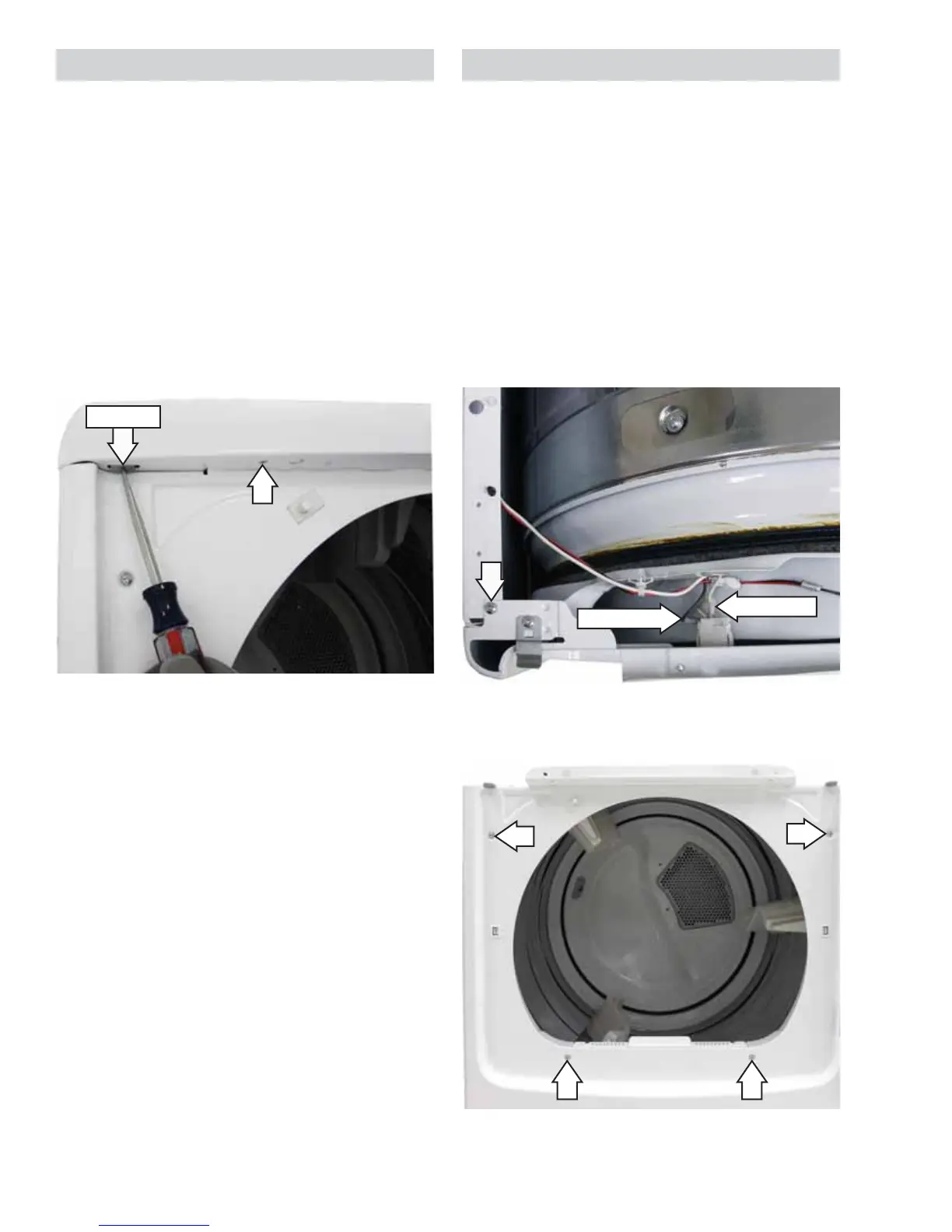
4. Remove the top 2 Phillips-head screws (1 from
each top corner) that attach the front panel to
the dryer cabinet.
Top Panel
Removal of the top panel provides access to the
drum light.
To remove the top panel:
1. Remove the control panel from the top panel.
(See Control Panel.)
2. Remove the 2 Phillips-head screws (1 from
underneath each front corner) that attach the
top panel to the dryer.
3. Press up the 2 metal clips (1 from underneath
each front corner) and simultaneously push the
top panel forward approximately 2 inches.
4. Lift the top panel from the dryer.
Metal Clip
5. Remove the 4 Phillips-head screws that attach
the front panel to the front frame.
6. Close the door. Grasp the top of the front panel
on both sides, tilt it out, then lift the panel off the
2 bottom tabs.
Disconnect
Disconnect


 To Next Page