99
Positioning the TextGroup using the Mouse
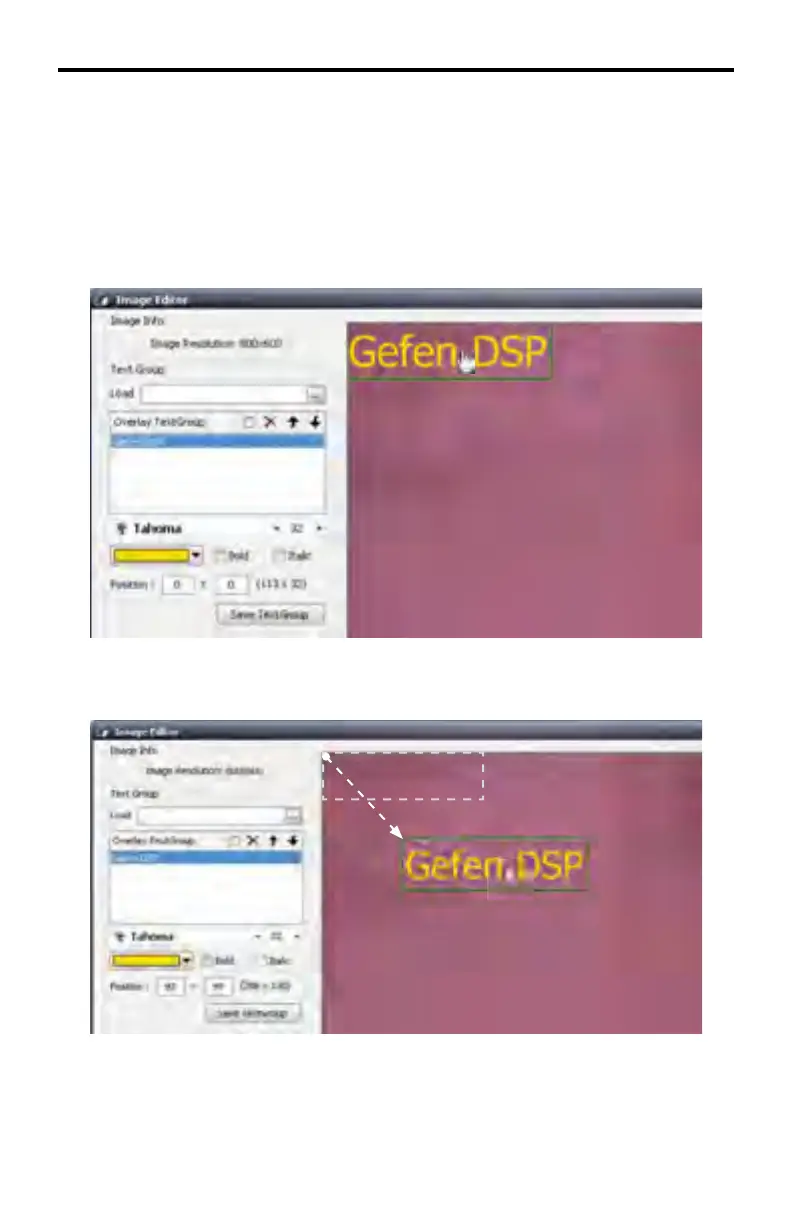
The second method for position a TextGroup is to use the mouse to interactively
move the TextGroup to the desired position within the image window.
Place the mouse in the image window and position the mouse cursor over the
TextGroup.
Click and drag the text to another portion of the screen. The mouse cursor will
change to an arrow as the text is being moved.
Release the mouse when the TextGroup is at the desired position.
DSP DESIGNER TUTORIAL



 To Next Page