107
Multi Edit
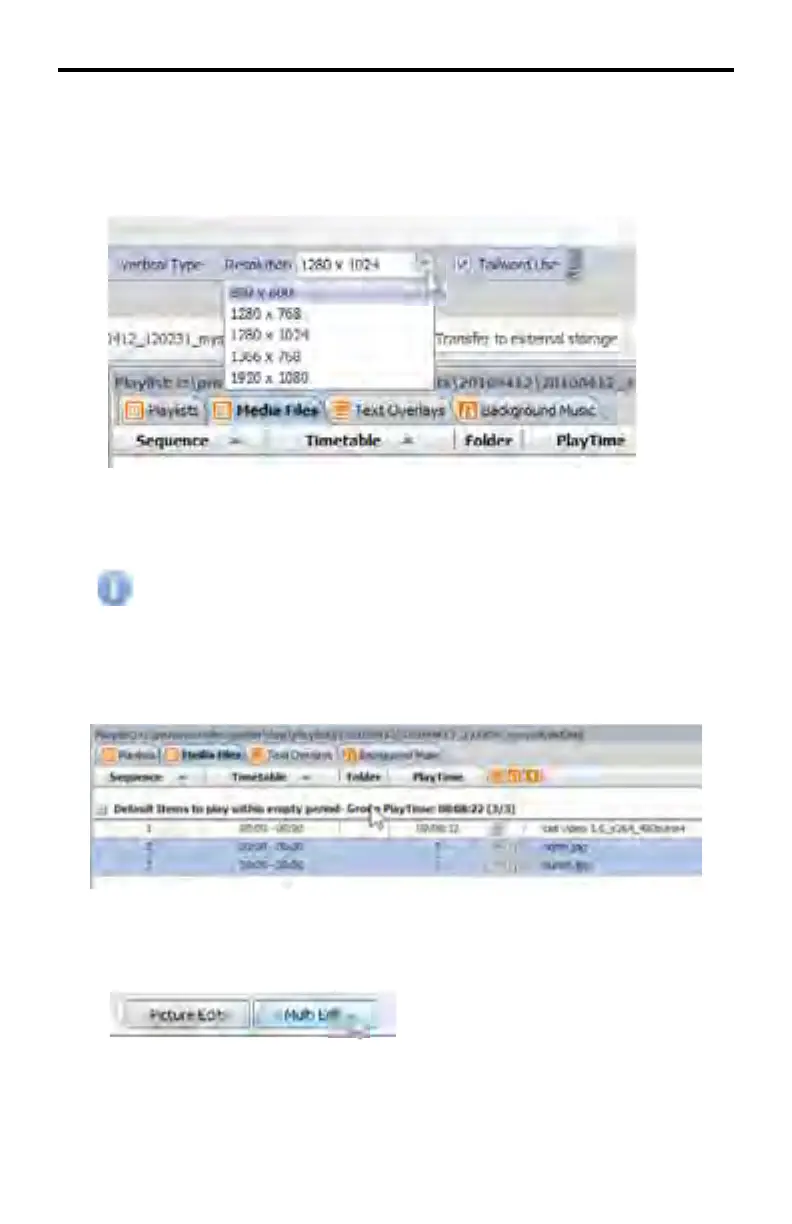
This Multi Edit button applies the same resolution to mulitple images. There are
fi ve (5) available resolutions in the Resolution pull-down list:
Select the resolution at which the selected imaged are to be sized.
Re-sizing images which have different resolutions may result in distor-
tion in either or both images. The aspect ratio is not preserved.
Select the images to be re-sized in the Media Files window. Multiple images may
be selected by holding down the SHIFT key and selecting each image with the
mouse.
Once all desired fi les have been selected, click the Multi Edit button in the Media
Files window.
DSP DESIGNER TUTORIAL



 To Next Page