108
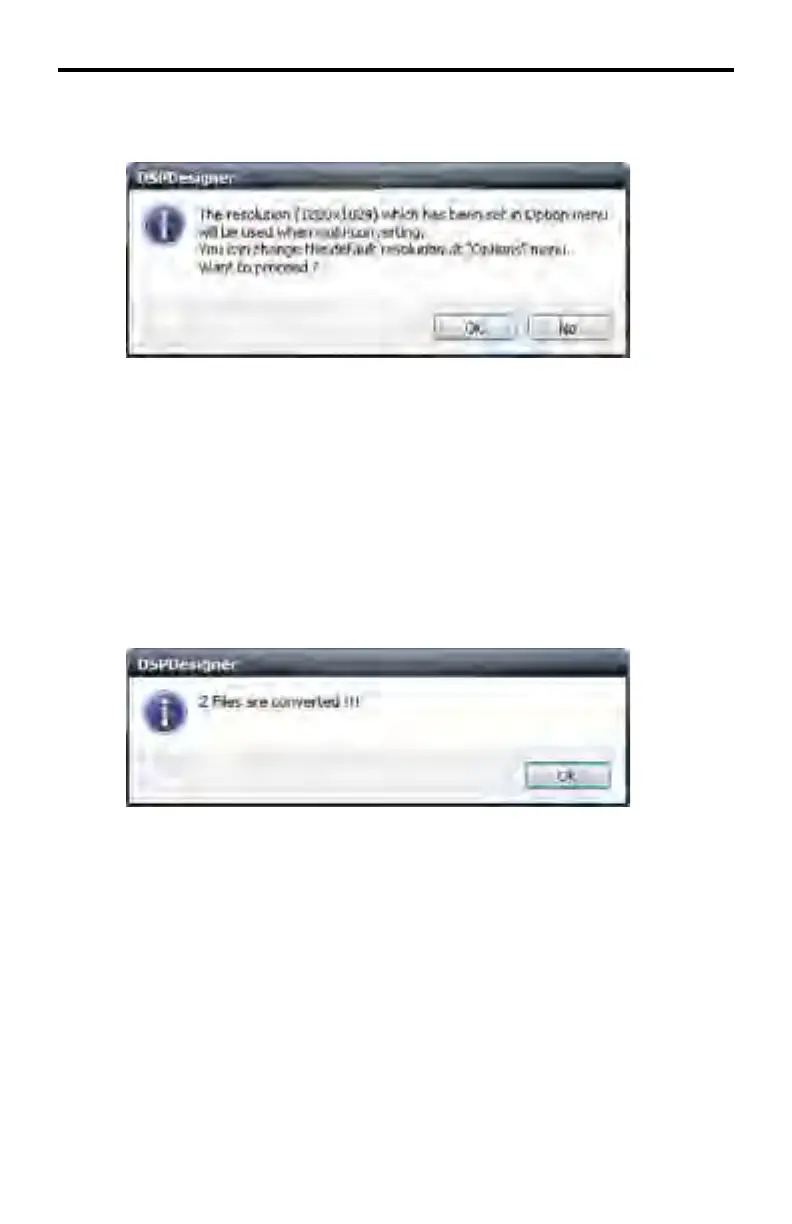
After the Multi Edit button is pressed the following message box is displayed:
In this example, the Multi Edit resolution is set to 1280x1024. This informa-
tion dialog will appear to confi rm that both images are to be set to the selected
resolution.
Click No to abort the operation and return to the DSP Designer.
Click Yes to continue with the operation.
If the Yes button is clicked, the DSP Designer will initiate re-sizing the highlighted
images to the selected resolution. After the resolution change has been made,
the following message box will be displayed:
Click OK to dismiss the message box.
DSP DESIGNER TUTORIAL



 To Next Page