111
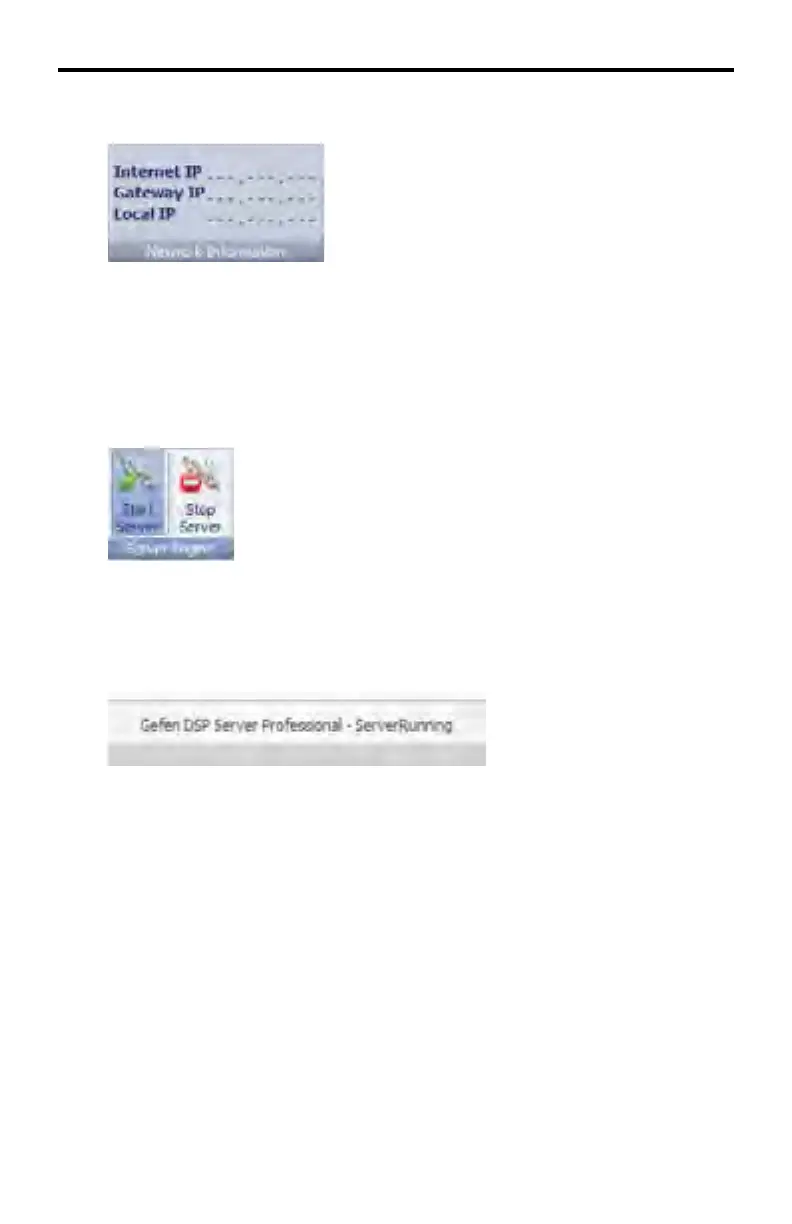
System Information > Network Information
Displays information about the Internet IP, Gateway IP, and Local IP of the DSP
Player. The IP information has been removed in the example above for security
purposes.
System Information > Server Engine
Connects to the specifi ed DSP on the network with the specifi ed address.
To connect to the DSP, press the Start Server button. The status will display
ServerRunning, as illustrated below:
Press the Stop Server button to disconnect from the DSP. The server status will
now display ServerStopped
DSP SERVER SOFTWARE



 To Next Page