110
DSP Server Software Interface
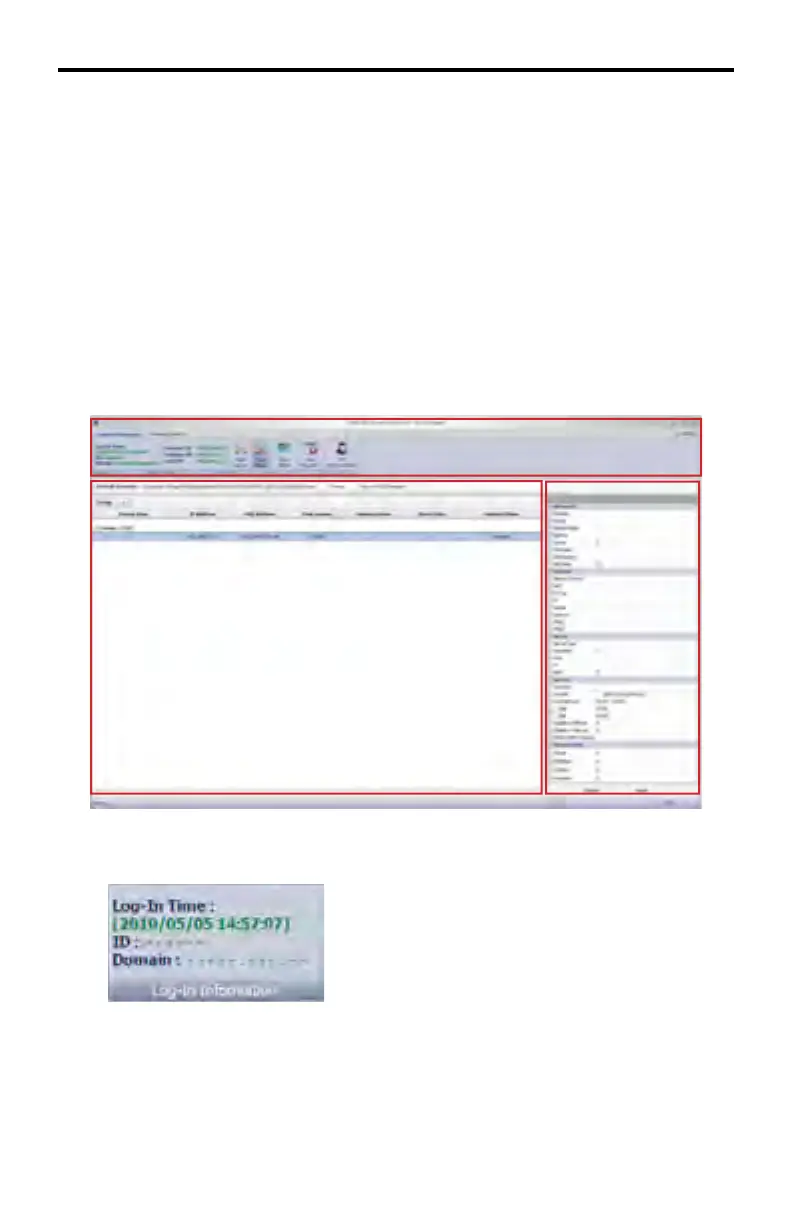
The DSP Server is divided into three windows:
Window 1 - System Information and Remote Controls
Contains the main menu system when working with the DSP Server.
Window 2 - Client List Window
This window lists and manages each client which is connected to the DSP.
Window 3 - Scheduler Window
Allows modifi cation of each client connected in the Client List Window.
See page 117 for details on how to log in to the DSP Server.
The System Information and Remote Controls in Window 1 will be covered fi rst:
The Login Information button provides information about the log-in time, the ID
currently accessing the DSP player, and the Domain. The ID and Doman have
been removed in the example above for security purposes.
DSP SERVER SOFTWARE
Window 1
Window 2
Window 3



 To Next Page