115
Remote Controls > Sound On / Sound Off
The “Sound On” and “Sound Off” buttons toggle the audio portion of video fi les
sent to the DSP unit.
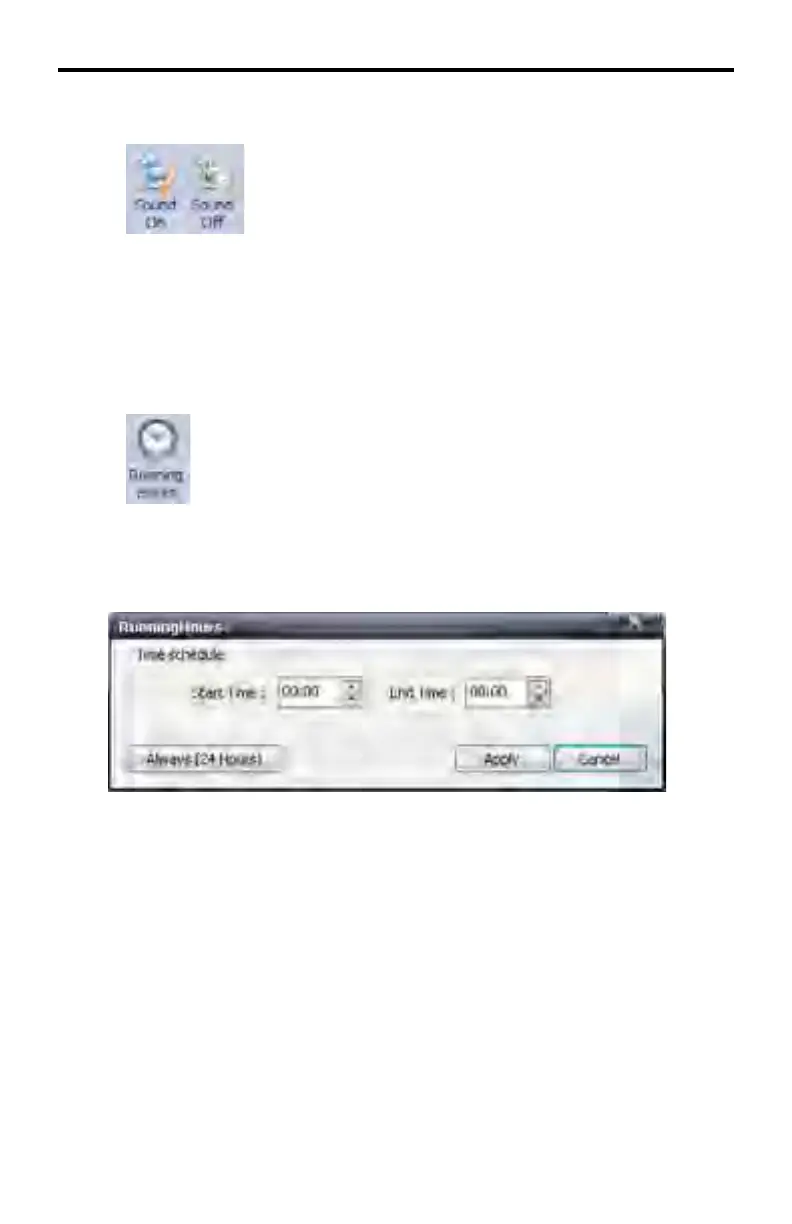
Remote Controls > Running Hours
Allows the duration each device is to play content. Pressing this button will
bring up the following dialog:
Use the Start Time and End Time dialog spinners to set the start and end time.
Press the Always (24 Hours) button to set the device to run constantly.
Click Apply to save the changes and dismiss the dialog. Click the Cancel but-
ton to cancel the current operation.
DSP SERVER SOFTWARE



 To Next Page