125
Device View
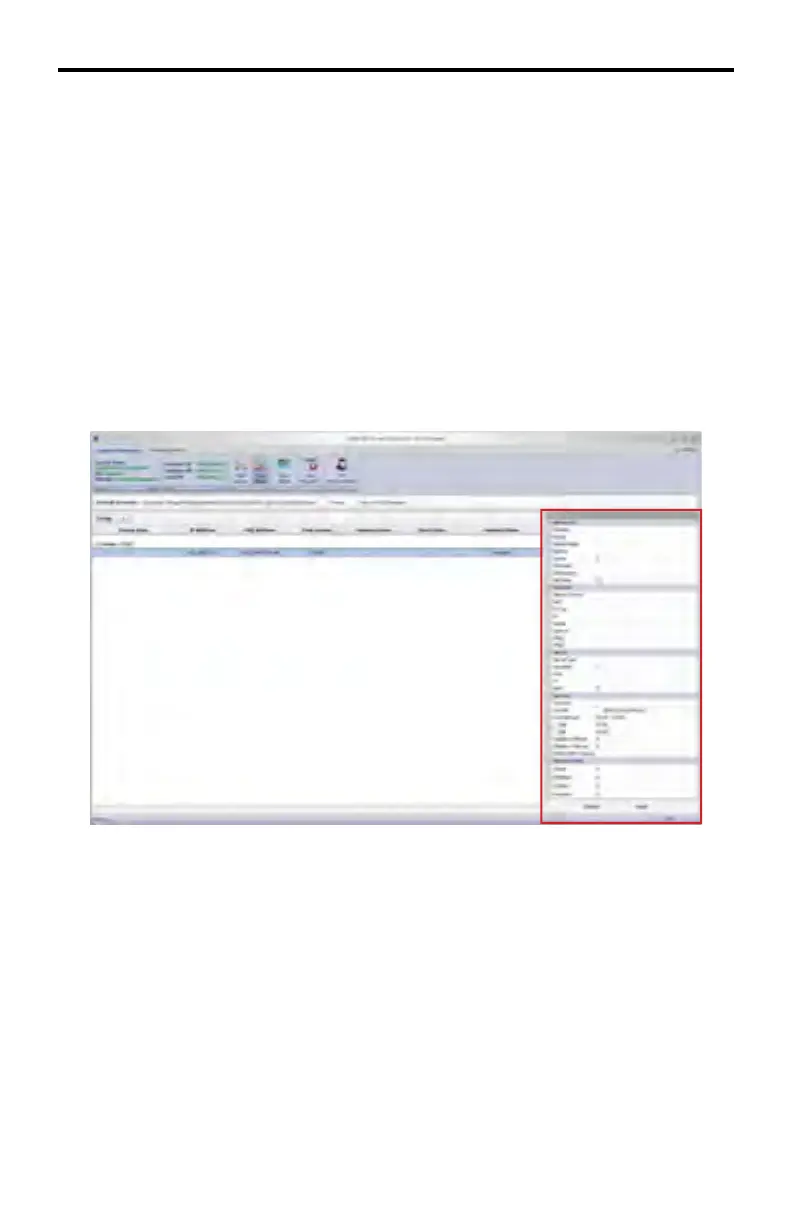
Window 3 of the DSP Server software provides information about the DSP device
to which the DSP Server is connected. This window is called the Device View
window. The Device View contains five (5) sections:
1. Advanced
2. Network
3. Server
4. System
5. System.Extra
In addition to displaying information about the DSP, the Device View window
allows the option to modify the data under the Network, Server, and System sec-
tions. This option can be enabled by placing a check mark in the Edit Mode box,
under the Advanced section. By enabling Edit Mode, three additional options will
appear under the Advanced section. Place a check mark in the box, next to the
section where changes are to be made (see page 128). After making the desired
changes, press the Apply button at the bottom of the Device View window.
The next page shows the overall layout of the Device View window. Note that the
Edit Mode option has been enabled, exposing the Network, Server, and System
check boxes.
DSP SERVER SOFTWARE
Window 3



 To Next Page