20
CONFIGURING THE HI DEF DIGITAL SIGNAGE PLAYER
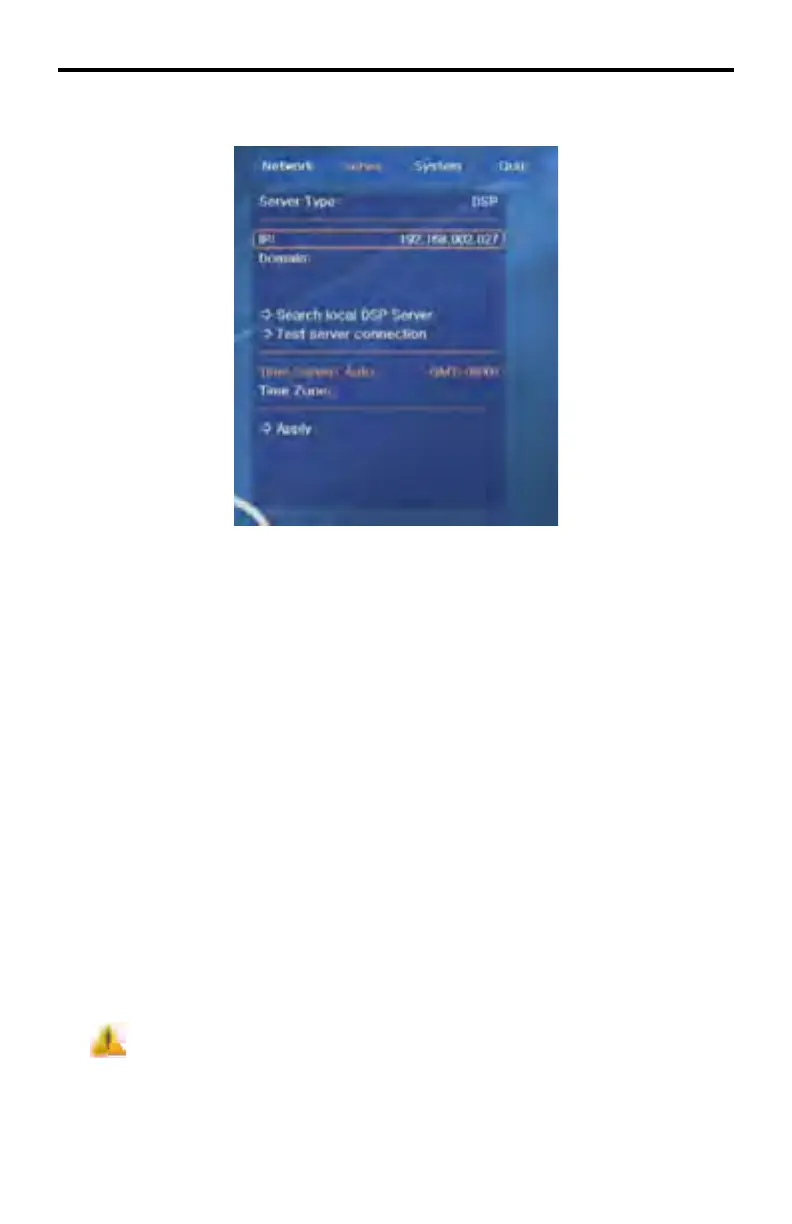
Server Settings
Server > Server Type
• Choose a server type for DSP access. DSP is the only option.
Server > IP
• Use this option to enter the IP address of the server PC that has the DSP
Server Professional software installed.
Server > Domain
• Use this option to enter the domain address of the server PC that has the
DSP Server Professional software installed.
• The address entered should be the one supplied by the DSP Server
Professional software. This is to allow access of the DSP through the
internet.
Server > Search local DSP Server
• Use this option to search the local network for the server PC that has the
DSP Server Professional software installed.
If the server is not found at the address that was manually entered in
the IP fi eld above will be lost.



 To Next Page