25
The Gefen DSP Designer Software is a simple-to-use program aimed at assem-
bling media into playlists for use in a user-defi ned schedule. This software uses
drag-and-drop functionality to easily generate custom media playback schedules
for a particular day/date or range of days.
Files adhere to the following hierarchy:
Schedule - This fi le will contain information on playlists and scheduling. No
playlist can be created until a schedule is fi rst generated. This is the primary fi le
which will be used to upload to each DSP unit.
Playlist - This fi le will contain all of the playback information for a period. This
playlilst can be assigned for playback on a single day or range of days. A playlist
can also be set to play on all days if desired.
Media - Individual media contents can be assigned to a playlist. Once in a playl-
ist, the hours of operation between 0:00 and 23:59 hours for each type of media
(video fi les, overlay text, etc.) can be individually set. No media can be inserted
until a playlist is created.
Starting the DSP Designer Software for the First Time
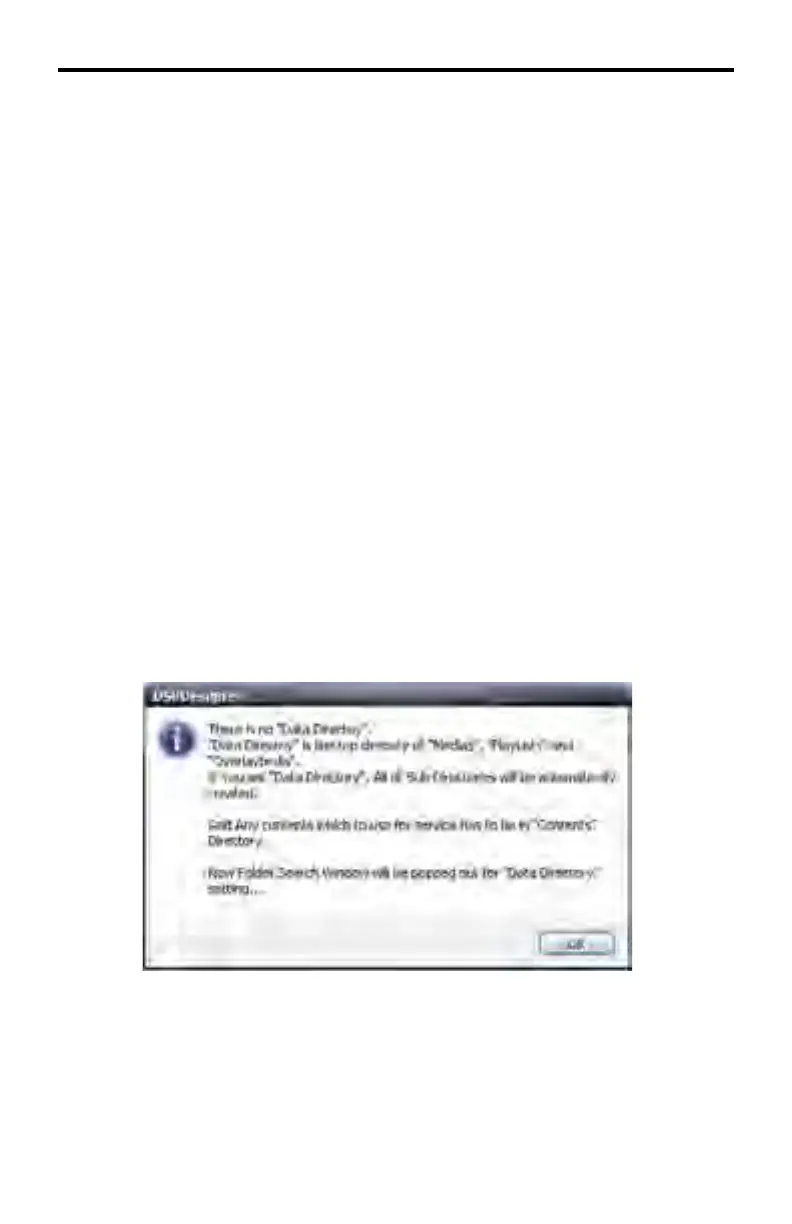
Upon loading the DSP Designer software for the fi rst time, a dialog window will
be presented, indicating that a Data Directory has not been created. The Data
Directory is the working folder for the DSP Designer software.
Click OK to acknowledge and close the dialog box warning.
DSP DESIGNER SOFTWARE



 To Next Page