26
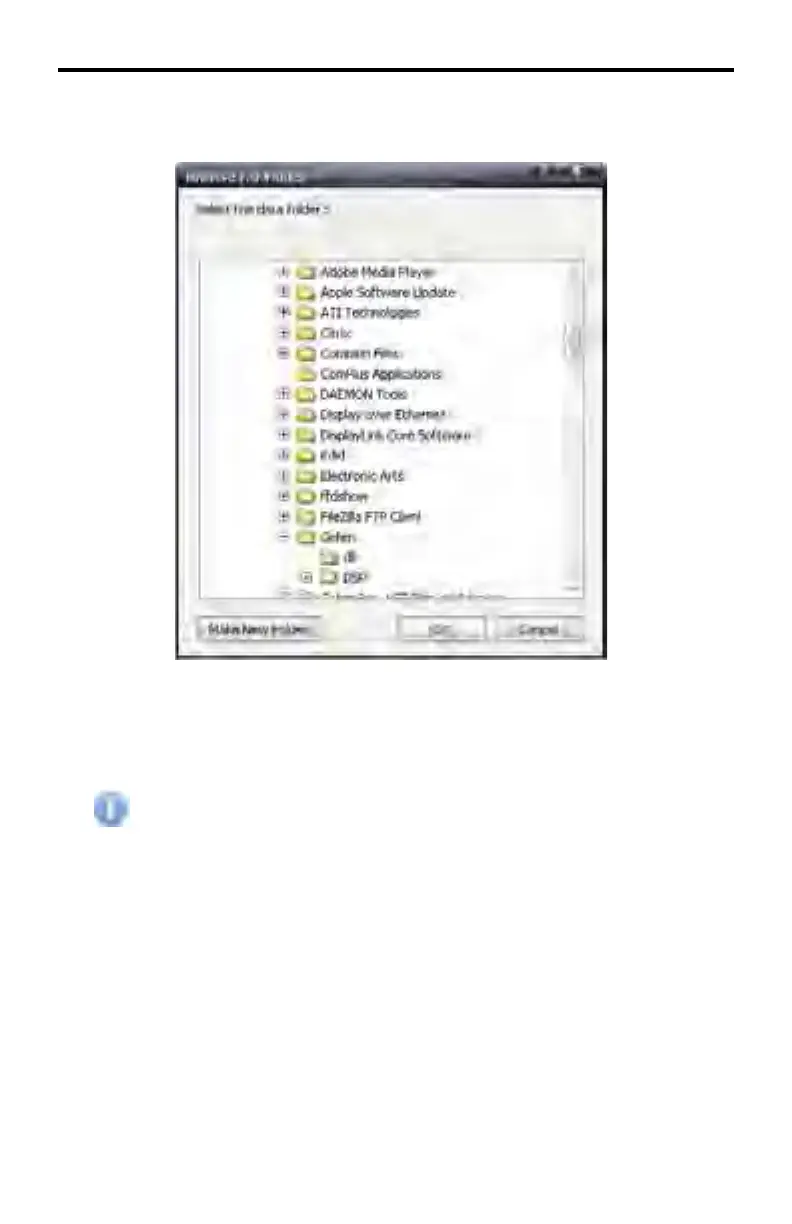
The Browse For Folder dialog box will be displayed, allowing the data directory to
be selected.
The default location for the data directory is C:\Program Files\Gefen\DSP
Under the Windows 7® operating system, this default working directory
will be C:\Program Files (x86)\Gefen\DSP. Due to the Win-
dows 7® operating system nomenclature, the fi les under this directory
cannot be modifi ed. Therefore, it is recommended to create the data
directory under C:\Gefen DSP\Data.
If desired, a new folder can be created by clicking on the desired directory and
selecting the Make New Folder button.
Once the desired directory has been selected, press the OK button.
A warning message will also be displayed indicating that the schedule list cannot
be loaded. This is because a schedule has not yet been created. Click the OK
button to dismiss the error dialog box.
DSP DESIGNER SOFTWARE



 To Next Page