40
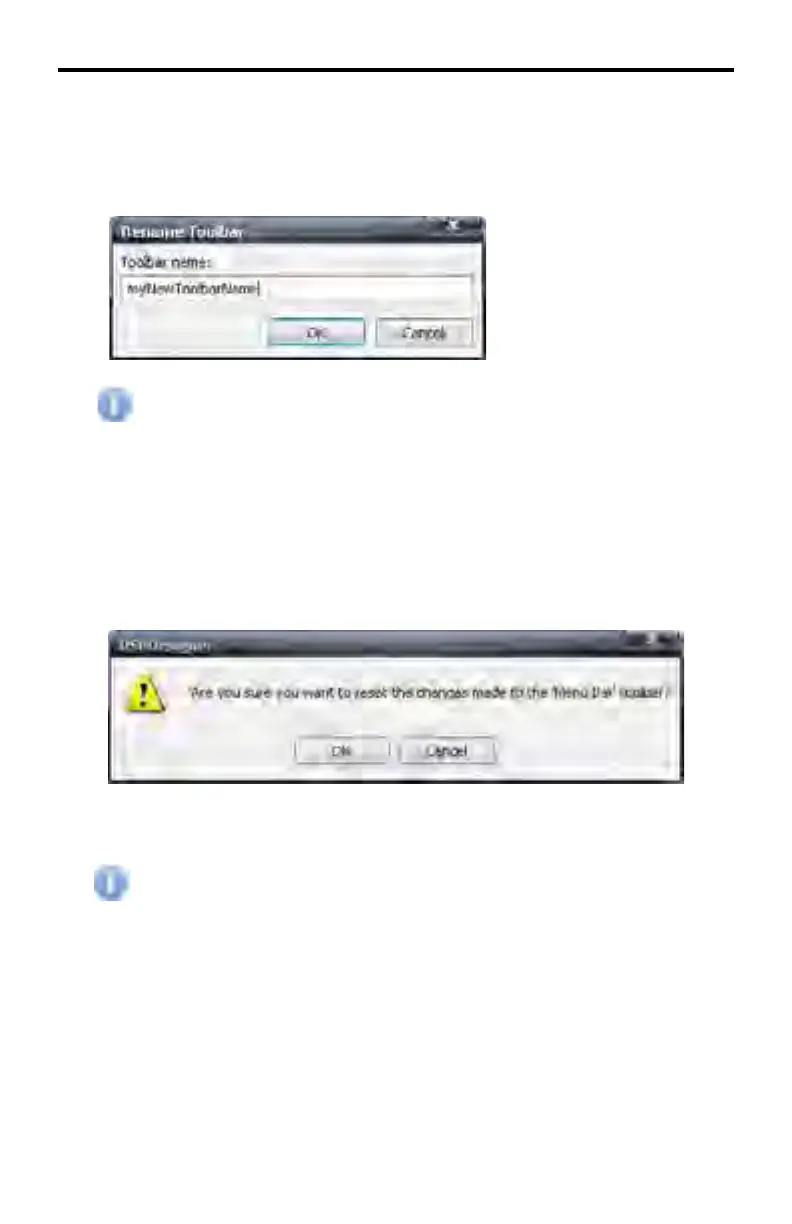
Customize > Toolbars > Rename...
Rename a created toolbar. Select the toolbar to be renamed, click the Rename...
button then type the new name for the toolbar.
The Menu Bar, Standard Toolbar, and the DSP Toolbar cannot be
renamed.
Customize > Toolbars > Reset...
In order to revert the DSP Toolbar to its original appearance, click the Reset...
button. This will set the Application Menu or Standard Toolbar to the default set-
ting, removing all added commands. The DSP Designer will prompt to confirm
the action.
Click OK to reset the selected toolbar. Click Cancel to abort the operation.
Toolbars which have been created using the Customize > Toolbars >
New... command cannot be reset. These toolbars can only be deleted
(see page 39).
DSP DESIGNER SOFTWARE



 To Next Page