41
DSP DESIGNER SOFTWARE
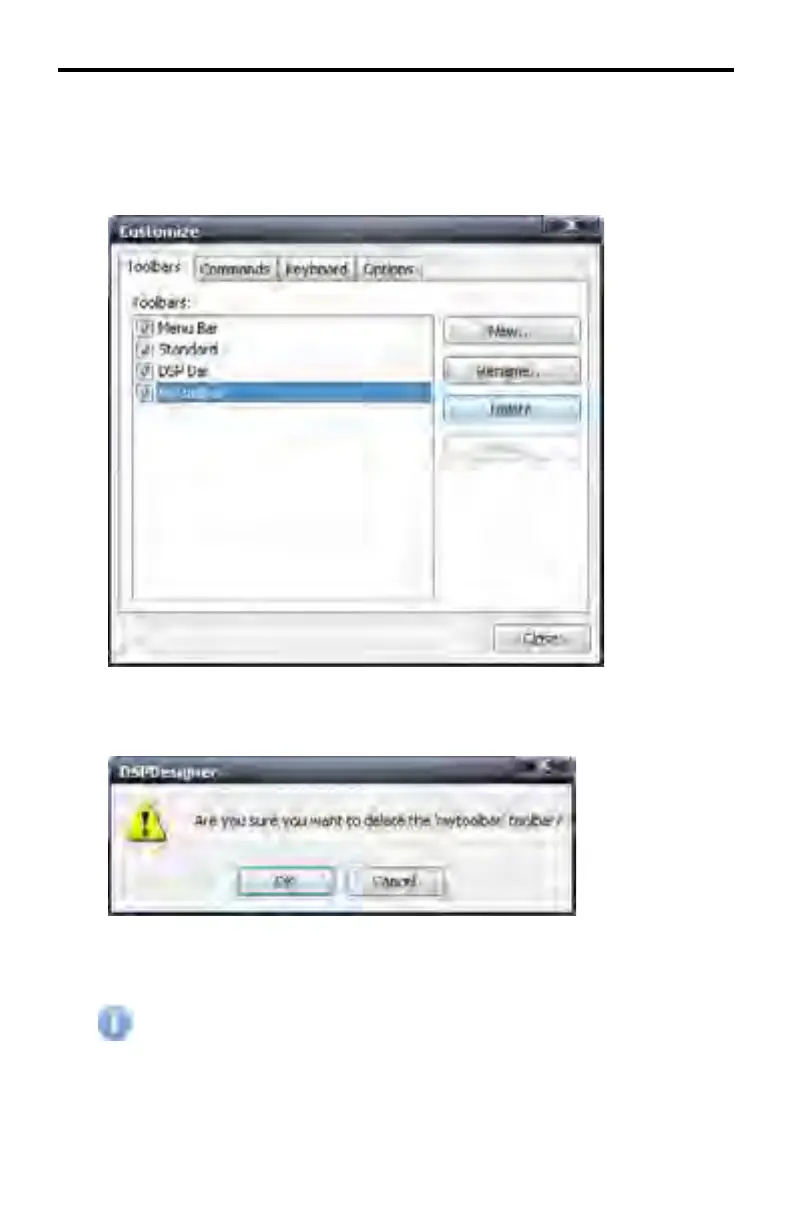
Customize > Toolbars > Delete...
Deletes a created toolbar. Select the toolbar to be deleted under the Toolbars.
Then, press the Delete button.
The DSP Designer will prompt to confirm the action.
Press the OK button to delete the toolbar. Click Cancel to abort the operation
and return to the Customize dialog box.
The Menu Bar, Standard Toolbar, and DSP bar cannot be deleted. Only
created toolbars can be deleted.



 To Next Page