46
DSP DESIGNER SOFTWARE
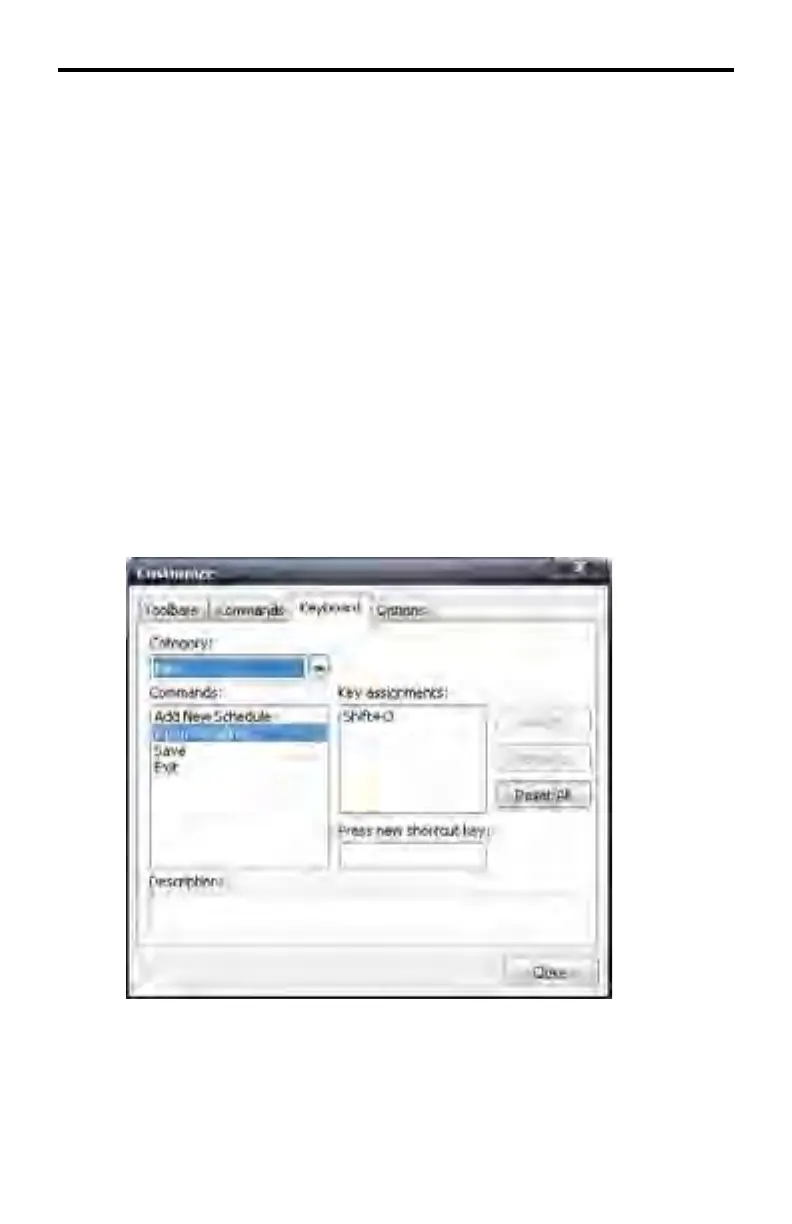
Assigning a Keyboard Shortcut
Customize > Keyboard > Assign
In the example below, the Open Schedule (page 28) function from the File Menu
will be assigned SHIFT+O as the keyboard shortcut.
1. Select Open Schedule under the Commands window.
2. Click the mouse cursor in the Press new shortcut key text box.
3. Simultaneously press the SHIFT key and the letter O on the computer key-
board.
4. The text Shift+O will be displayed in the text box.
5. Click the Assign button to assign the shortcut to the function. The keyboard
shortcut will be listed under the Key assignments box.
6. Click the Close button to dismiss the dialog box and return to the DSP De-
signer.



 To Next Page