47
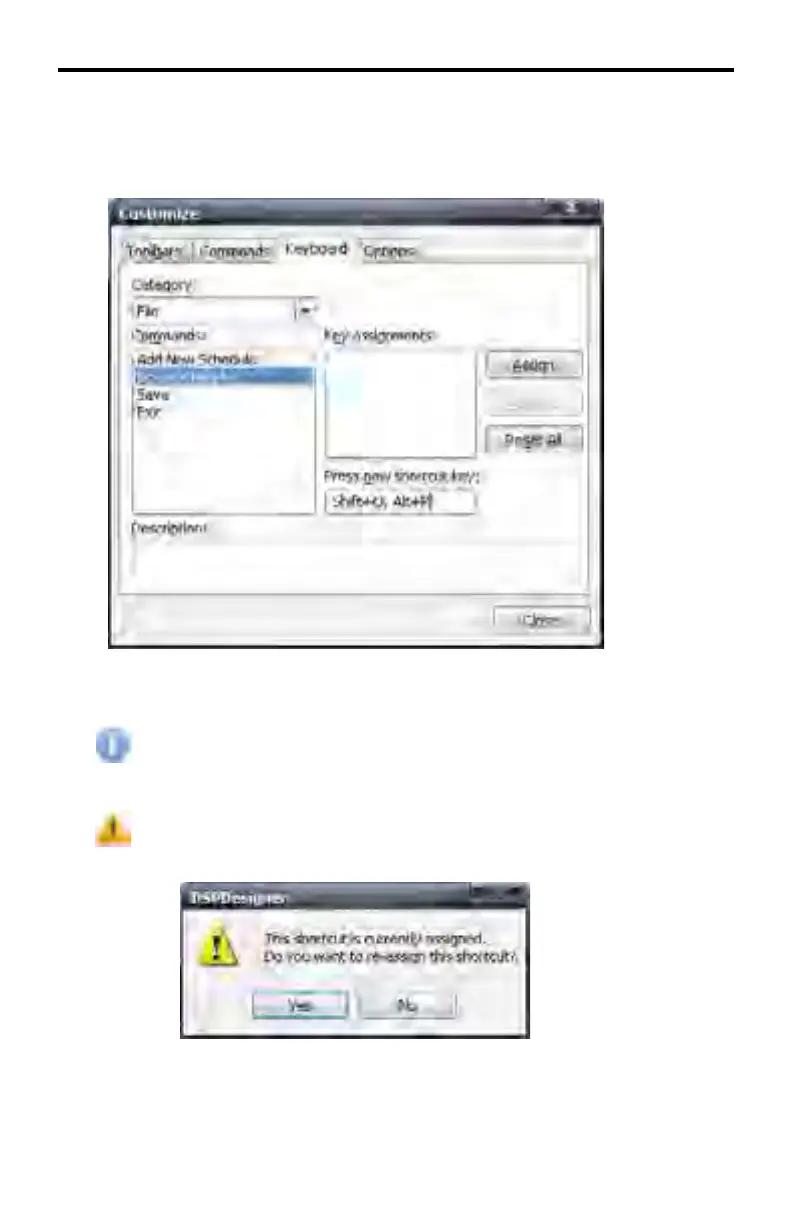
Multiple keyboard shortcuts can be assigned to one Menu function. Do this
pressing additional keyboard shortcuts. These keyboard shortcuts will be dis-
played in the Press new shortcut key text box.
After the desired keyboard shortcuts have been entered, click the Assign button.
The TAB and BACKSPACE keys cannot be assigned as keyboard
shortcuts.
If a keyboard shortcut is assigned to a function which has already been
assigned, a warning dialog will be displayed.
Click Yes to reassign the existing keyboard shortcut with the new shortcut. Click
No to return to the Customize dialog.
DSP DESIGNER SOFTWARE



 To Next Page