48
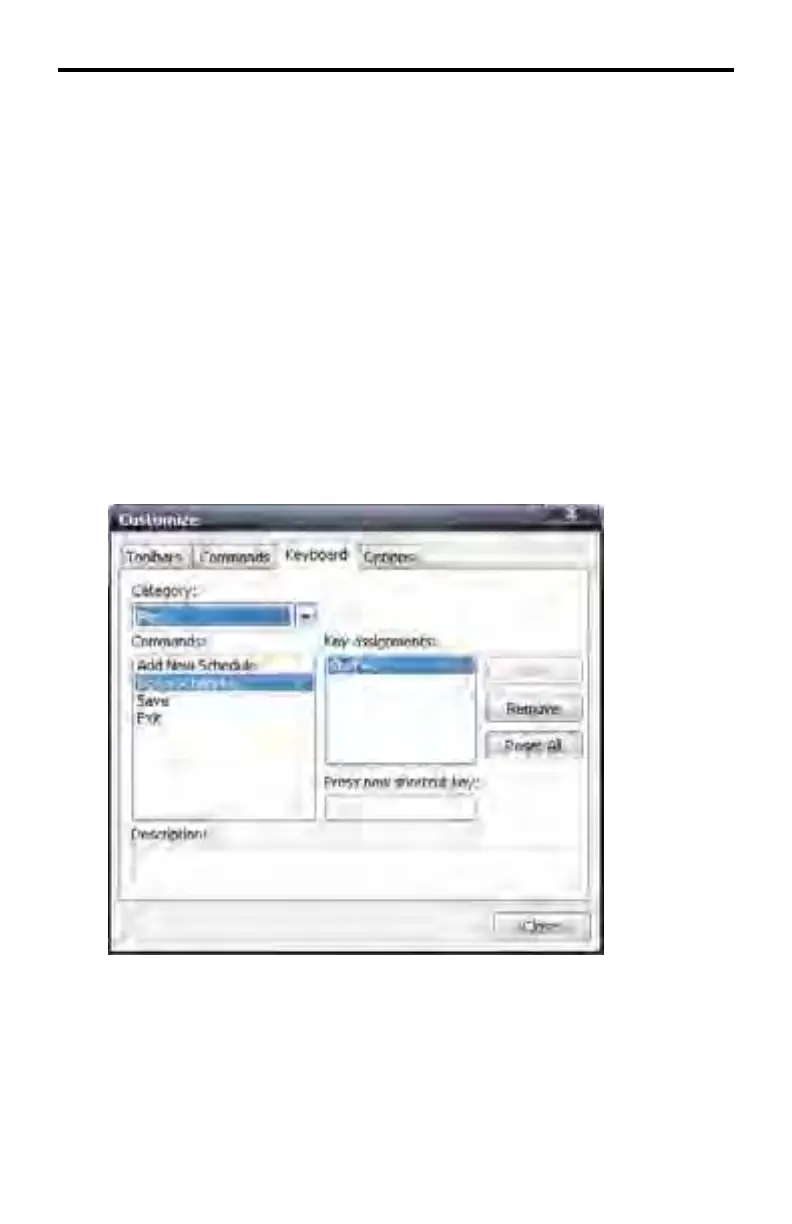
Removing a Keyboard Shortcut Assignment
Customize > Keyboard > Remove
1. Open the Customize dialog box (page 32).
2. Select the Keyboard tab.
3. Under the Category pull-down menu, select the Menu under which the func-
tion is listed.
4. Select the function under the Commands box
5. Click on the keyboard shortcut assignment under the Key assignments list
box.
6. Click the Remove button. The keyboard shortcut will be removed from the
Key assignments list box.
DSP DESIGNER SOFTWARE



 To Next Page