50
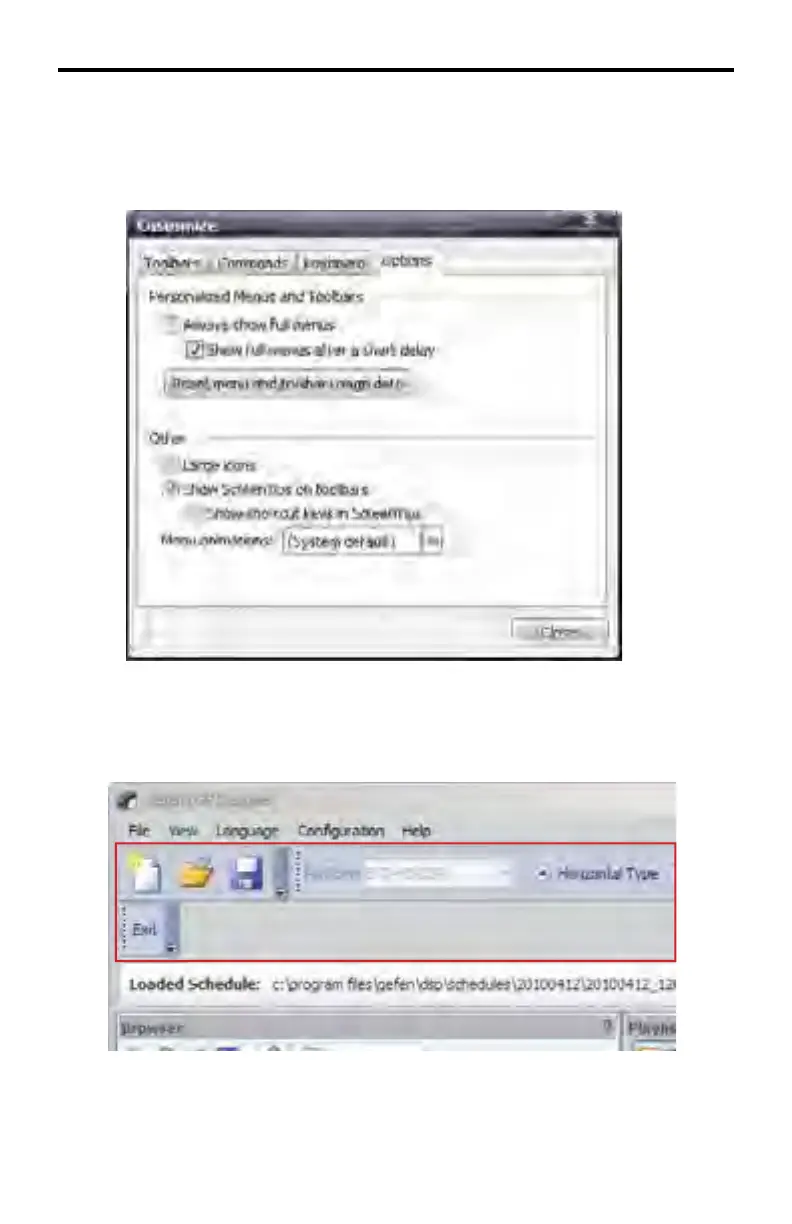
Customize > Options
This tab provides options which affect the appearance and behavior of the DSP
Designer software. List below are the default settings for the Options tab.
Customize > Options > Large Icons
Checking the Large Icons box increases the size of the icons in the Standard
Toolbar and DSP Toolbar.
If other toolbars have been created, these toolbars will also be increased in size
to accommodate any added icons. This feature is enabled by default.
DSP DESIGNER SOFTWARE



 To Next Page