51
Customize > Options > Show Screentips on Toolbars
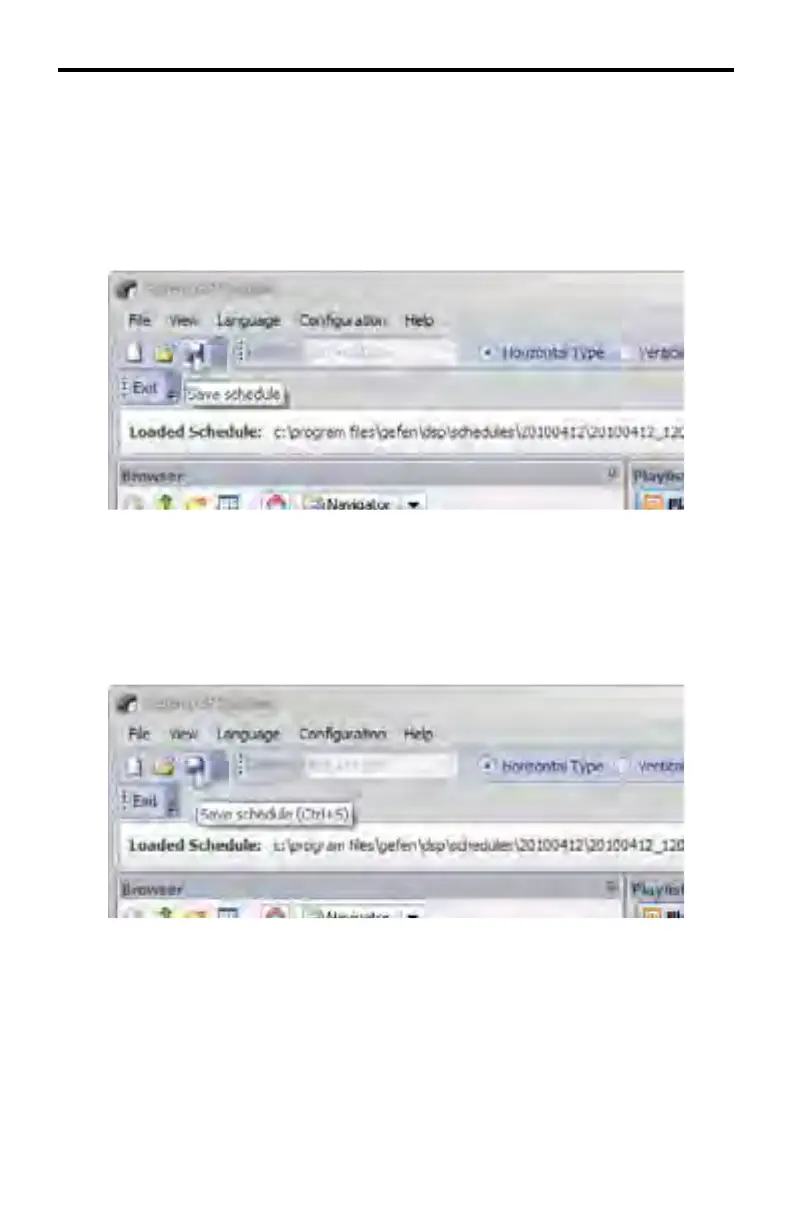
Checking this box will display information about the command when hovering the
mouse over each icon in the toolbar. By default this feature is enabled.
In the example below, the mouse is hovering over the Save icon. The screentip
indicates that this icon is responsible for saving a Schedule File.
Customize > Options > Show Shortcut Keys in Screentips
Placing a check mark next to this feature will display the shortcut key associated
with the icon. By default, this feature is disabled.
DSP DESIGNER SOFTWARE



 To Next Page