7373
DSP DESIGNER TUTORIAL
A warning icon will appear in this column if the path to the listed media
content is not valid. This error normally occurs when the default directory has
been changed.
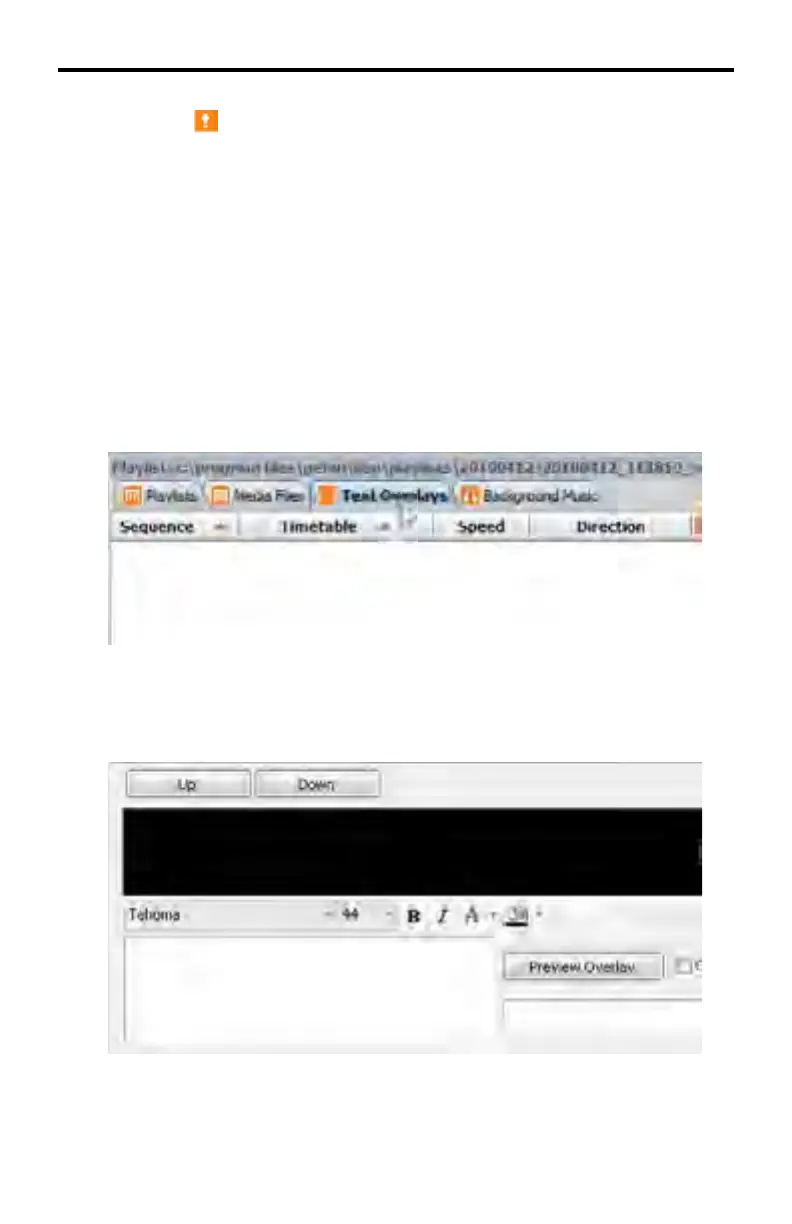
Text Overlays
Creating a Text Overlay
A text overlay can scroll across the bottom of the screen from right to left.
This text overlay is created in the Text Overlay tab. The display orientation
(landscape or portrait) will also determine the location of this text.
1. Click on the Text Overlays tab in the programs section.
2. The text overlay creator will be located at the bottom of the Text Overlay
tab.



 To Next Page