7474
Additional Options (WARNING)
A warning icon will appear in this column if the path to the listed media
content is not valid. This error normally occurs when the default directory has
been changed.
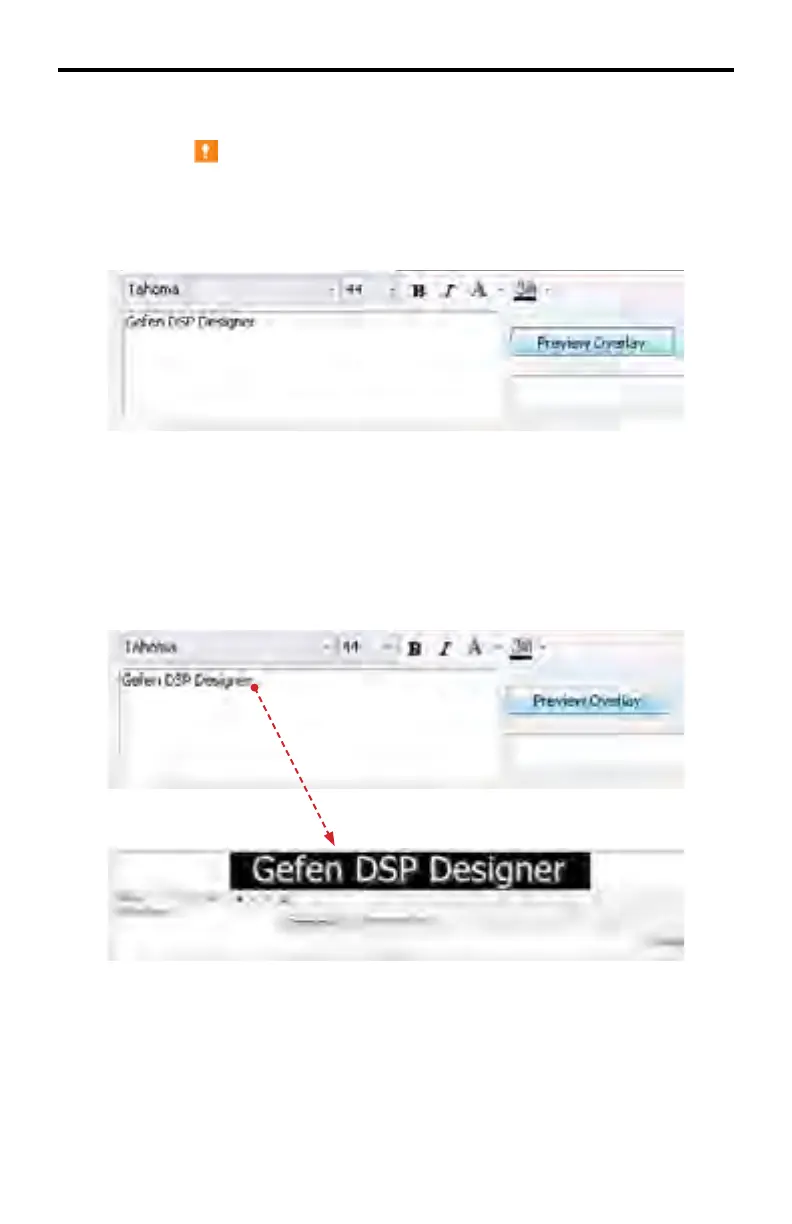
Enter the desired text (up to 200 characters) in the text box.
After the text has been entered, bold and/or italic effects can be applied.
Text color and background color can also be changed.
By default, white text on a black background are the default colors.
3. Press the Preview Overlay button to see a preview of the Text Overlay.
DSP DESIGNER TUTORIAL



 To Next Page