75
DSP DESIGNER TUTORIAL
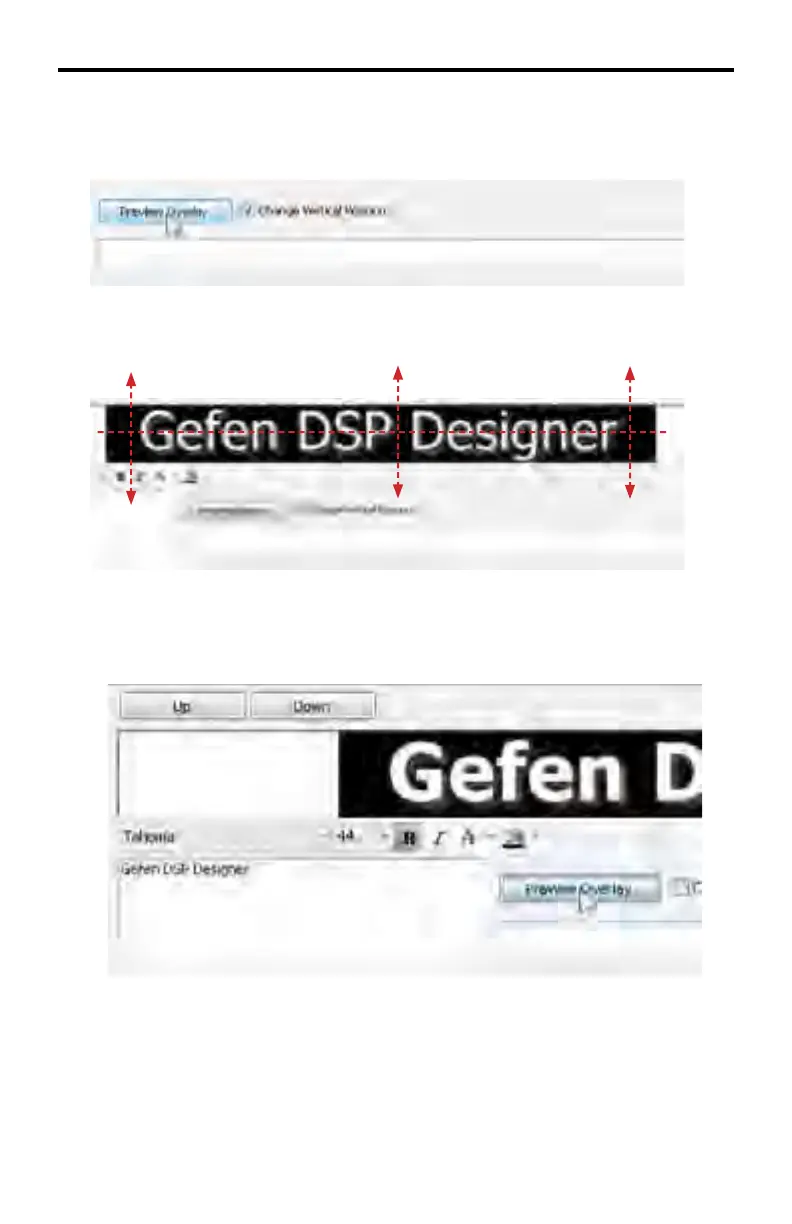
4. Change the vertical position of the text and background by checking the
Change Vertical Position box.
Click and drag the text up or down in the Preview Area using the mouse.
5. The text attributes can also be modifi ed:
In the example above, the Bold text attribute has been selected and applied
to the Overlay Text. Changing a text attribute will not take effect until the
Preview Overlay button is pressed. Multiple text attributes can be applied at
one time.



 To Next Page