82
Changing the order of Text Layers
If multiple Text Overlays exist, the order can be changed between the two layers.
1. Highlight the desired Text Overlay by clicking on it. Selecting a layer can
be done by clicking under any column (Sequence, Timetable, etc). In the
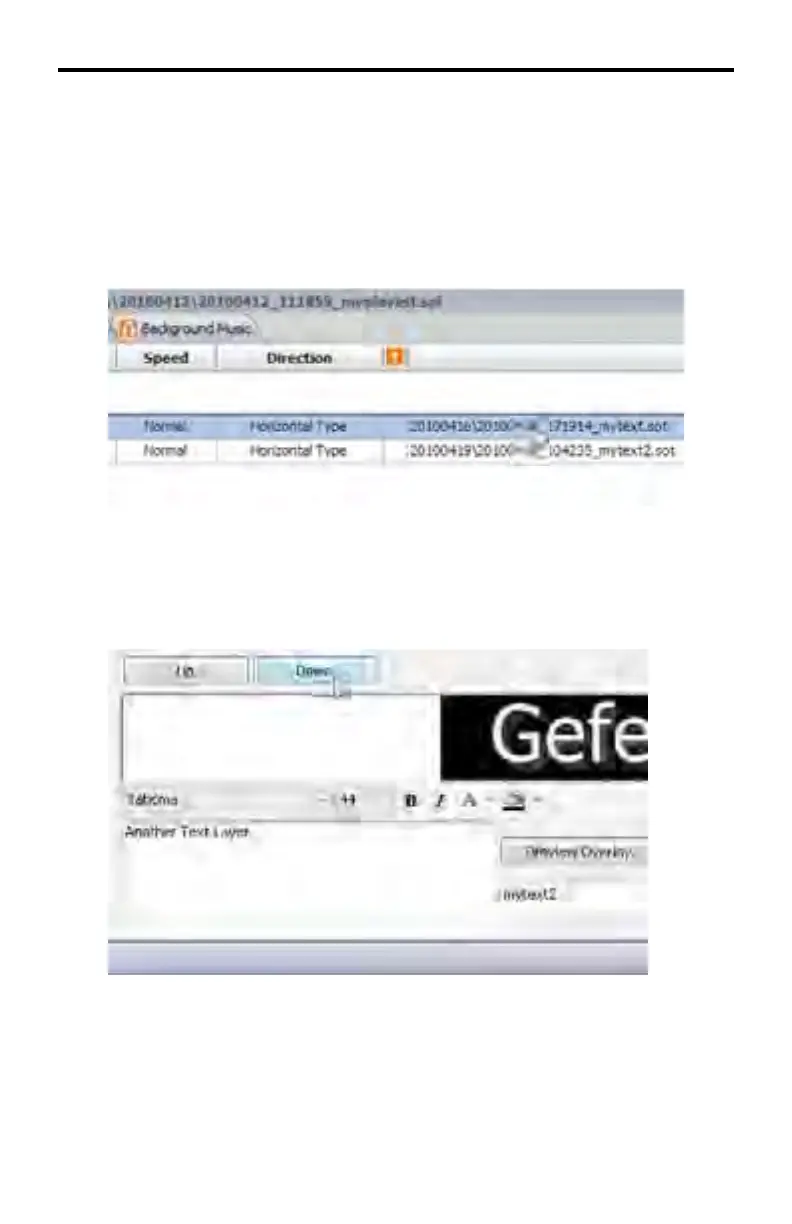
example below, Text Overlay 1 has been selected:
2. Use the Up and Down buttons, located between the Text Overlay tab and
the Preview Area window, to adjust the order of the text overlay.
In the example below, the Text Overlay with the name mytext.sot will be
moved from layer 1 to layer 2 by pressing the Down button.
DSP DESIGNER TUTORIAL



 To Next Page