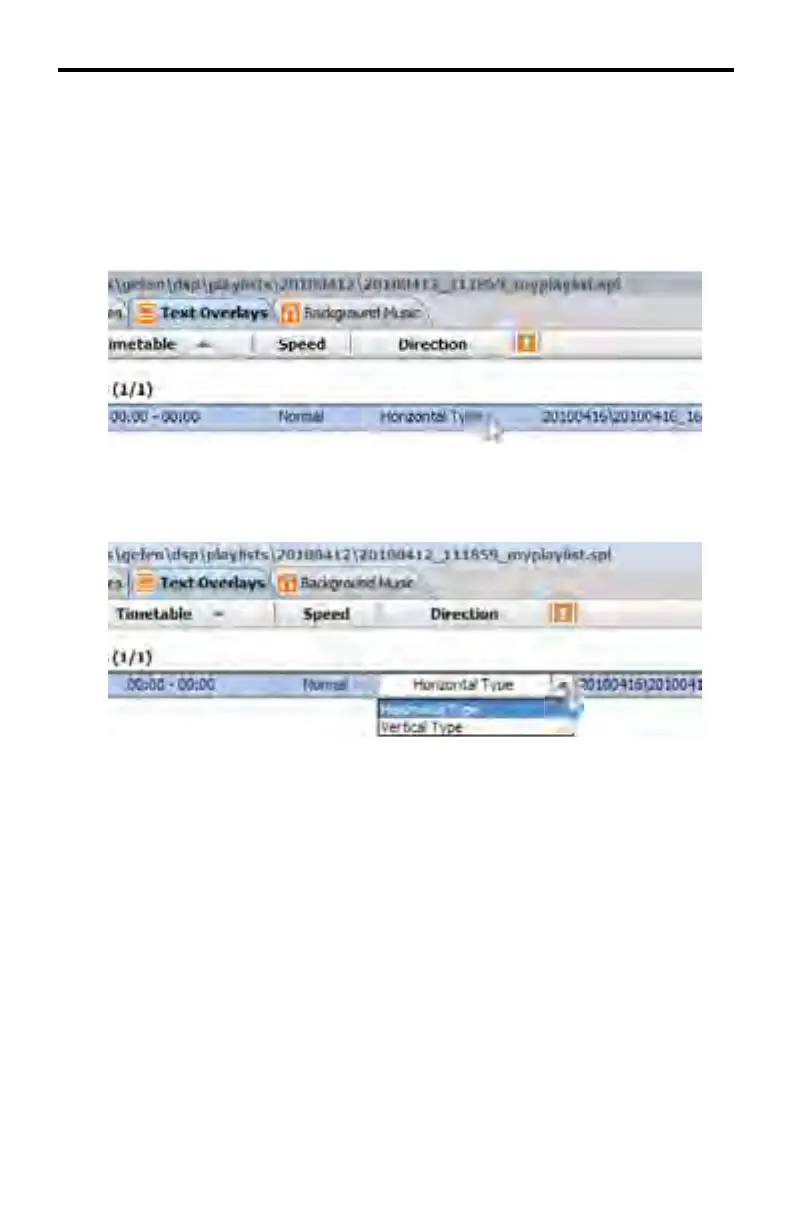
Adjusting the orientation for text overlays
The orientation for text overlays can be set using this option. This setting should
be adjusted based on the orientation of the intended display.
1. Double click on the Direction fi eld of the desired text overlay (by default this
option will be set to Horizontal Type) to access up the drop-down menu for
the object.
8181
2. Click on the arrow to the right of the fi eld to see the available options.
Choose the desired option by clicking on it.
DSP DESIGNER TUTORIAL



 To Next Page