8080
DSP DESIGNER TUTORIAL
All text overlays in the list that have not been allocated for a time period
will be grouped together. These text overlays will play during periods
that do not have specific content allocated to play.
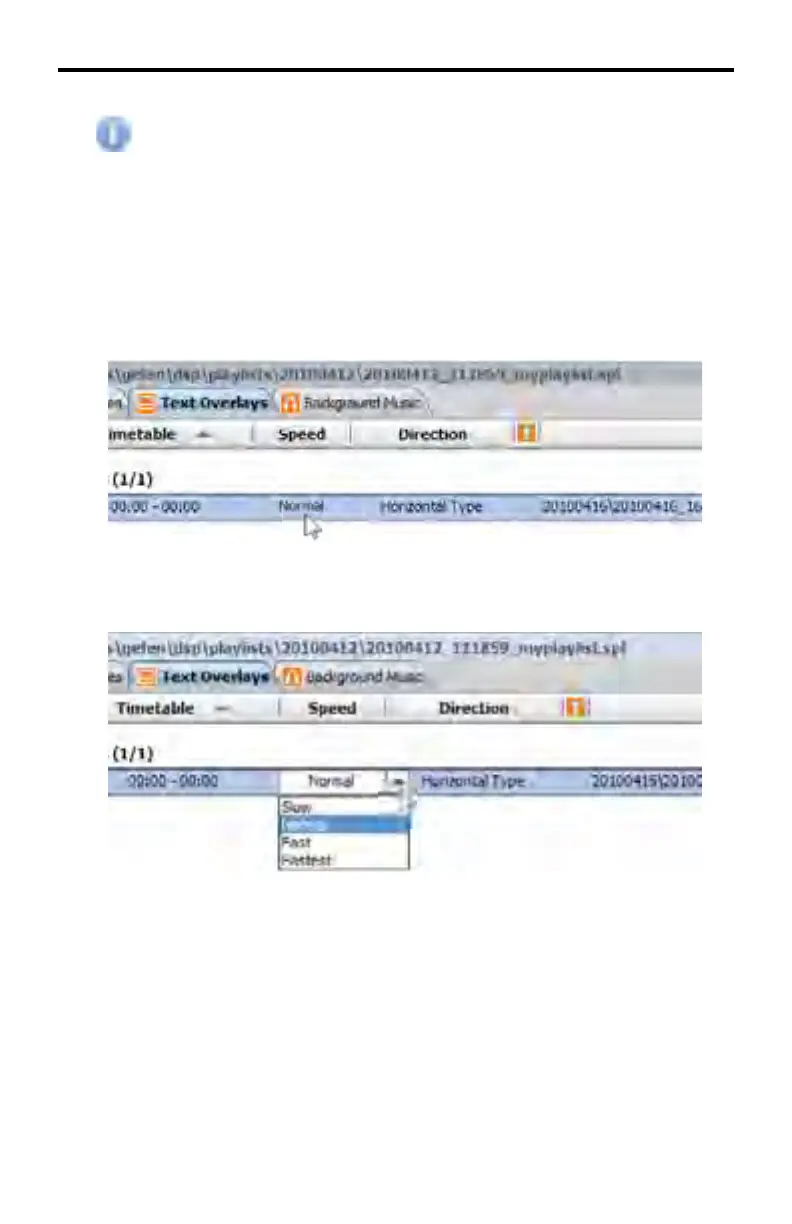
Setting speed for text overlays
The speed of the scrolling action for a selected text overlay can be adjusted.
1. Double click on the Speed fi eld of the desired text overlay (by default this
option will be set to Normal) to access up the drop-down menu for the
object.
2. Click on the arrow to the right of the fi eld to see the available options.
Choose the desired option by clicking on it.



 To Next Page