89
The Image Editor has several controls on the left side of the window, organized in
to three groups.
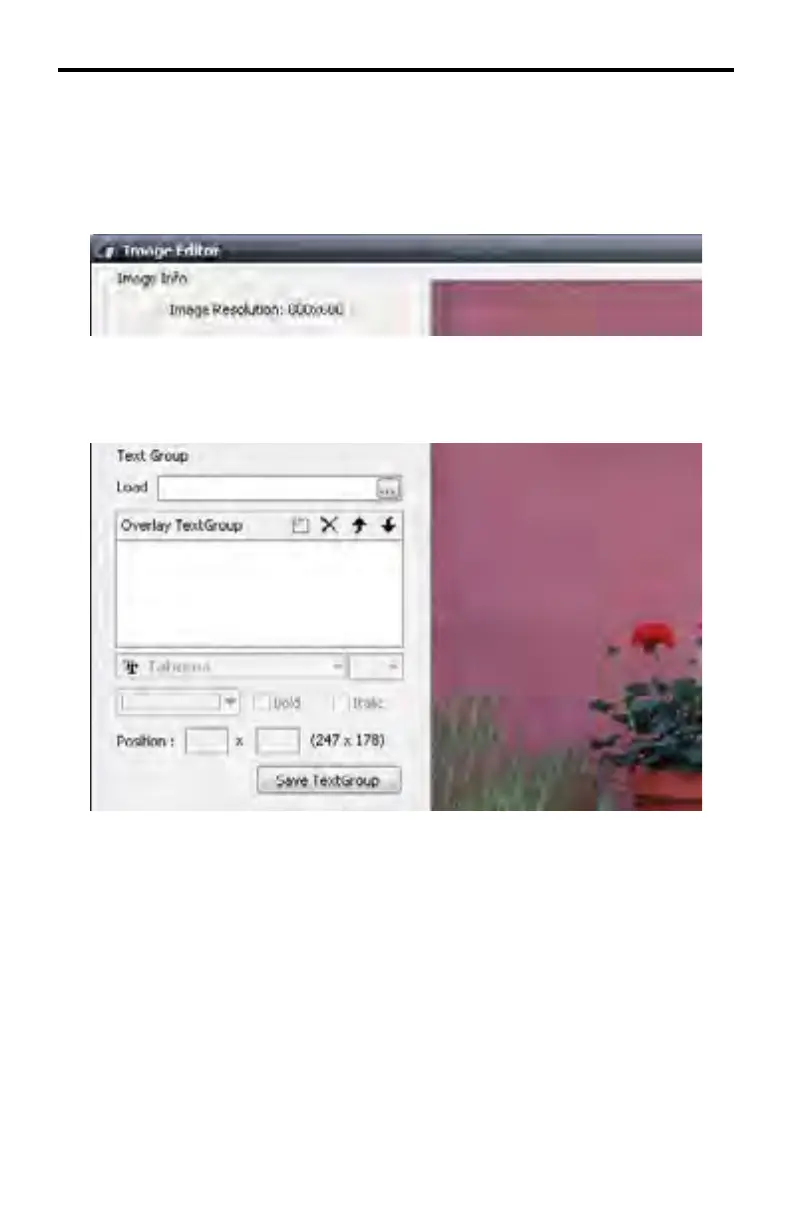
Image Info
This is an informational window which displays the image resolution.
Text Group
Provides controls for creating a Text Group.
Load
Load a TextGroup fi le (.stg fi le) from disk.
Overlay TextGroup Window
Used to create and modify new text groups. A TextGroup can be created, deleted
or changed order.
Position
Enter the X coordinate and Y coordinate on the image where TextGroup is to be
placed. The TextGroup can also be moved interactively by using the mouse.
Save TextGroup
Saves the currently loaded Overlay TextGroup to a TextGroup fi le.
DSP DESIGNER TUTORIAL



 To Next Page