90
Image Processing Group
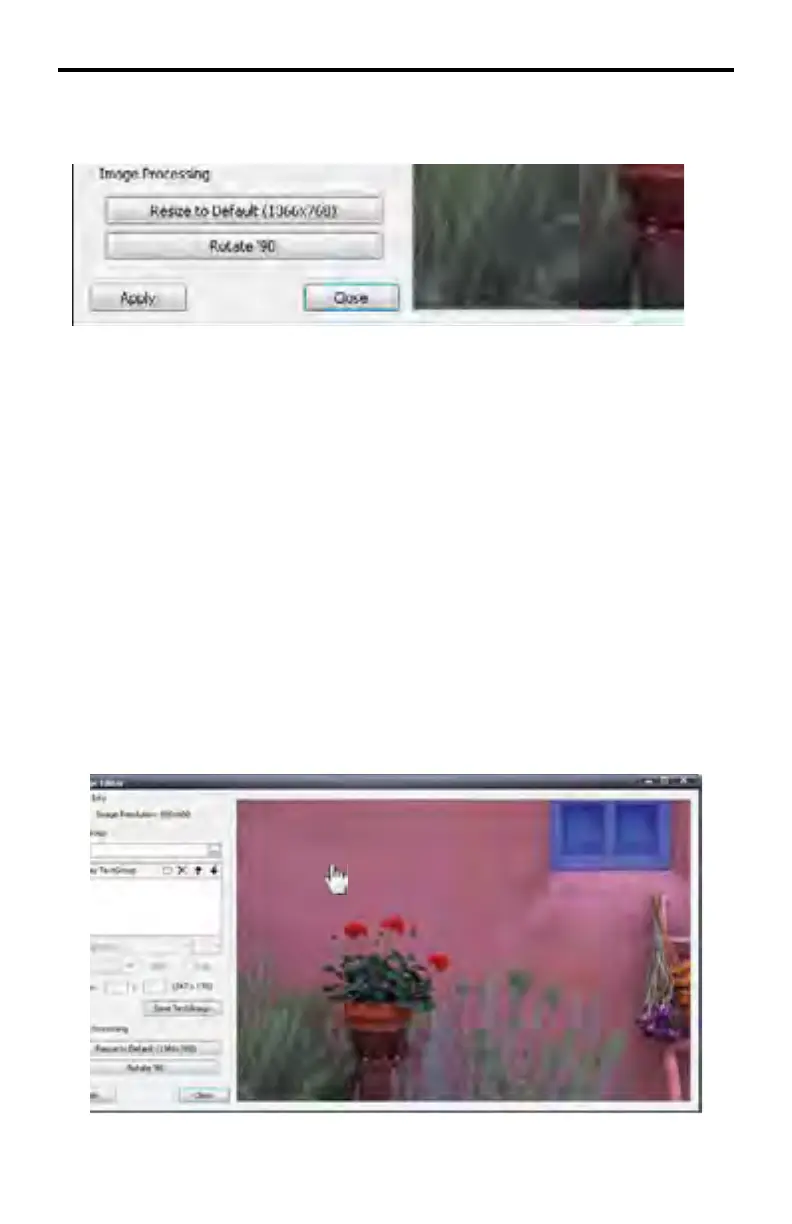
This group contains buttons to manipulate the orientation and size of the image.
Resize to Default
Resizes the loaded image to the default resolution.
Rotate 90
Rotates the image, clockwise, in 90-degree increments.
Apply
Applies changes to the current image fi le. The current image fi lename is copied
then renamed with the “_Edited” suffi x. The updated (edited) image is then
loaded into the DSP Designer. The original image fi le is preserved.
Close
Closes the Image Editor window.
Moving the Image
Position the mouse over the image. The mouse cursor will change to a hand
cursor.
DSP DESIGNER TUTORIAL



 To Next Page