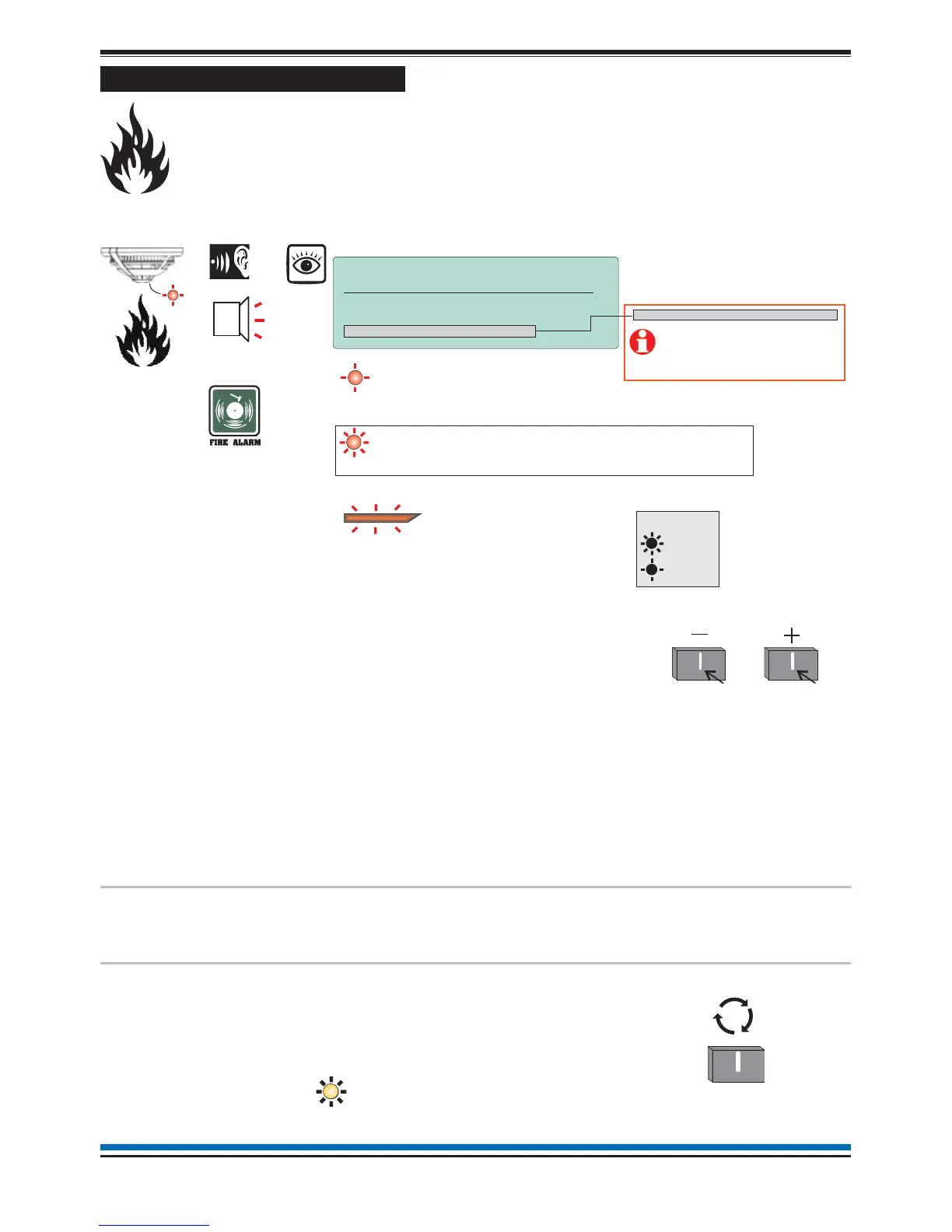
Automatic detection of FIRE
A fire in your protected premises is automatically sensed at any one of the fire detection devices
installed. A fire detection can be from a fire sensor, manual call point or fire input from an
interface. The control panel actions the alarm sounders in the system and at the same time give
details of the fire event. The event indication is repeated at all repeat indicator panels in the
system.
Multiple fires
The 1st Fire will always appear at the top part
of the display. Latest fires appear beneath the
1st Fire message and multiple fires can be
scrolled.
The zone light(s) show zones in fire condition.
The first zone to go into a fire condtion will be
indicated by a flashing zone light, all other
zones in fire will give a steady indication.
Each fire is logged in the Historic Events log,
which can be recalled using the menus. See
How to view the Historic Events.
Use these buttons to
scroll through the fire
events.
To operate the following controls you will need to be in the Customer Mode at
Access level 2, see page 9.
To activate
Verification delay
The 'Verify' option will appear on the display
if the 'Delay' light is lit. On selecting the
'Verify' option there is a further delay before
alarm activation giving time to investigate the
cause of the alarm.
Verify
Press:
13
NANO fire system
On
Flashing
Audible
Buzzer
ZONE x (other zones in fire)
ZONE 1
FIRE
[Common fire indication]
all red LEDs
[flashing indication of first zone in fire]
[A steady indication is given of subsequent zones in fire]
Key
Typical example of a fire event
NOTE: PLANT equipment
will operate in a Fire Condition.
17:53 Mon 11/01/10
FIRST FIRE: Zone 1 17:52
Dv 02 DEVICE 2
Total Fires: 1
Menu Logout
MA + Sector X-Y, Z Disabled
Where ‘Master Alarm (MA)’
and/or alarm ‘Sectors’ are
disabled in the system then
they will be displayed in place
of ‘Total fires’.
T



 To Next Page