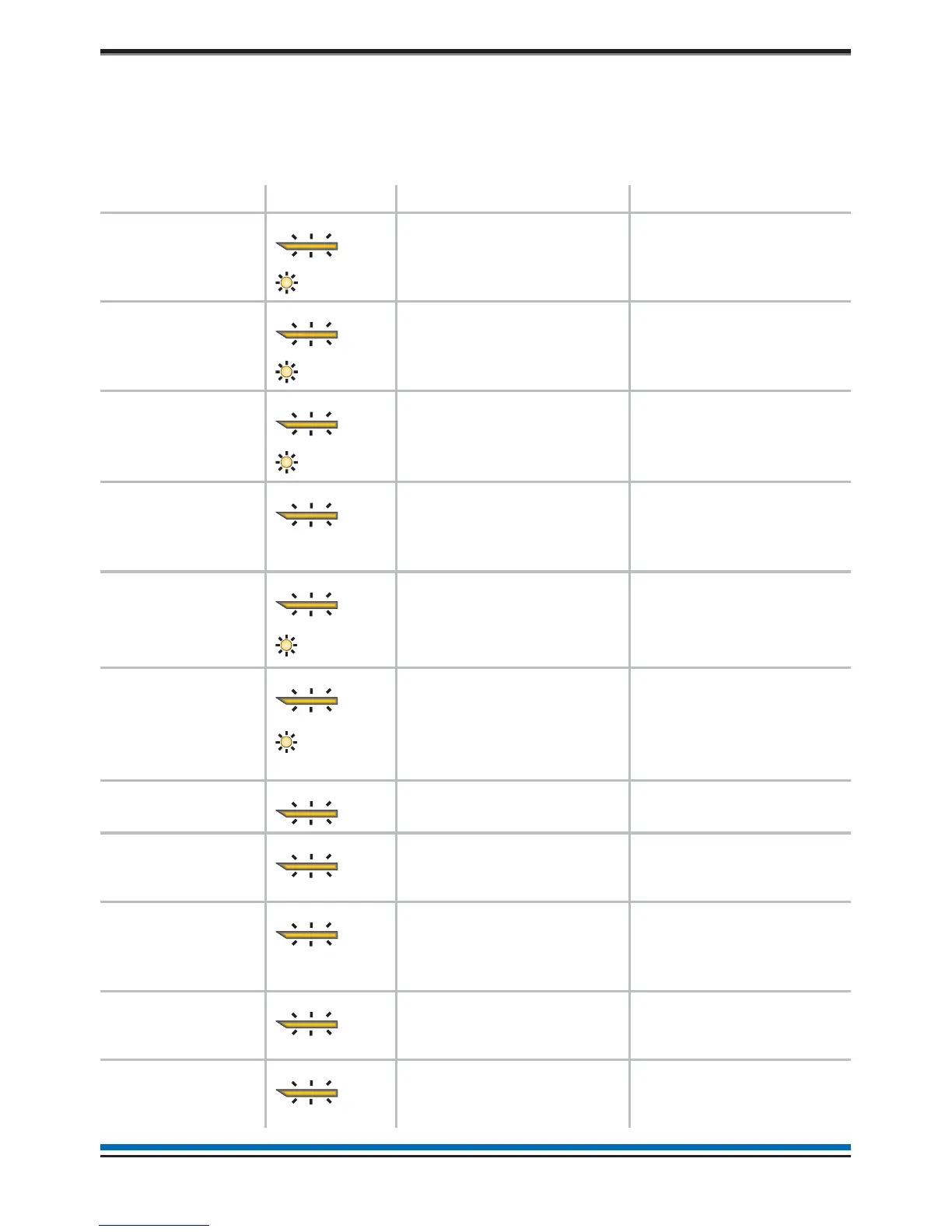
Typical fault messages
The table below is for guidance only and shows some of the more typical fault messages and indications that
may appear at the panel. It also gives the meaning and possible rectification action for each fault event.Only
the trained engineer who is responsible for the fire alarm system must attempt any fault rectification
work. For advice please call your servicing organisation, see contact details in the Log book.
Message Indication Meaning Possible action
Mains supply
failed
The mains supply to the
control panel has failed.
Restore the mains supply
to the control panel.
Batteries
discharged
The battery supply to the
control panel has been
fully discharged.
Check the battery and
replace the battery if
necessary.
Batteries
disconnected
The battery supply to the
control panel has been
disconnected.
Reconnect the battery
supply to the panel.
External
Evacuate or
Class Change
input OC or SC
The Evacuate or Class
Change input has an open
or short circuit fault.
Check the wiring and
ensure the end-of-line
devices are connected in
the circuit.
Master
Alarm(s) OC or
SC n
There is an open or short
circuit fault on the master
alarm wiring.
Check the wiring and
ensure the end-of-line
device is connected to
each master alarm circuit.
Lost Device The device is not
communicating with the
control panel via the Loop.
Additional indication is
given if it is a Sounder.
Check the connections to
the device.
Sensor out of
specification
The device indicated is not
functioning correctly.
Device needs replacing.
Loop Wiring
changed SC
There is a short circuit on
the loop wiring.
Identify the device where
a cable fault has occurred
and remove the fault.
Interface
channel OC or
SC
There is an open or short
circuit fault on the input
line of an interface.
Locate and remove the
wiring fault. Ensure the
end-of-line device is
connected to the circuit.
Device Mains
failed
There is a mains supply
failure at a mains powered
interface unit.
Check the fuse and
mains supply to the unit.
Device Battery
fault
The batteries at mains
powered interface unit has
failed the load test.
Check the batteries and
replace them if
necessary.
16
Operating instructions
FAULT
Power Faul



 To Next Page