Fault condition
A fault in the system, such as the failure of mains power to the panel or removal of any monitoring device will
cause a Fault condition to appear at the control panel. The control panel will provide details of the event, this
event indication is repeated at all repeat indicator panels.
You may need to enter the Customer mode PIN, see page 9
To cancel fault
buzzer
To stop the panel buzzer from sounding press:
Display reads:
'Local Buzzer Silenced'
What must be
done?
You need to ensure the panel is returned to normal
condition.
&
Only the trained engineer who is responsible for the fire alarm system
must attempt any fault rectification work. For advice please call your servicing
organisation, see contact details in the Log book.
Record the
event
Make an entry in the log book of the event for
future reference.
Multiple faults
On the top line of the display the word 'FAULT'
appears followed by a number 'n'. The 'n' indicates
the number of faults present in the system.
Each fault is logged in the Historic Events log,
which can be recalled using the menus. See How
to view the Historic Events.
15
NANO fire system
FAULT:6 DISABLE:0 TEST:0 16:15
LATEST FAULT AT 11/01/10 16:15
Device Lost
Dv 145: Room 1 first floor 1
Zn 001: Zone 1
Menu Quit
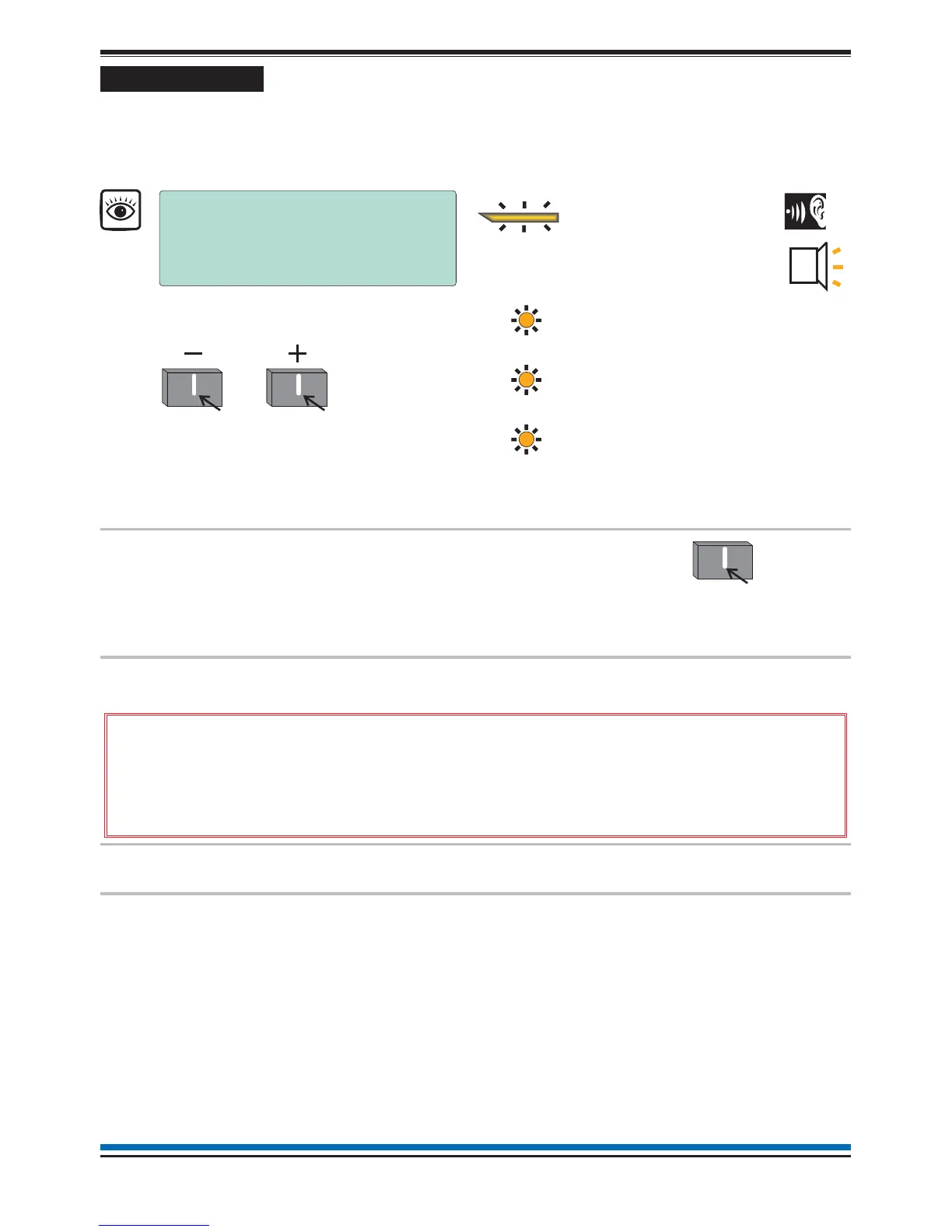
FAULT
[amber LED]
To view other active fault events
How to scroll multiple fault events
Audible
Buzzer
Power Fault
[amber LED]
Sounder Fault
[amber LED]
System Fault
[amber LED]
Common FAULT indication
may be accompanied with:
Typical indications of Fault events
Cancel Buzze



 To Next Page