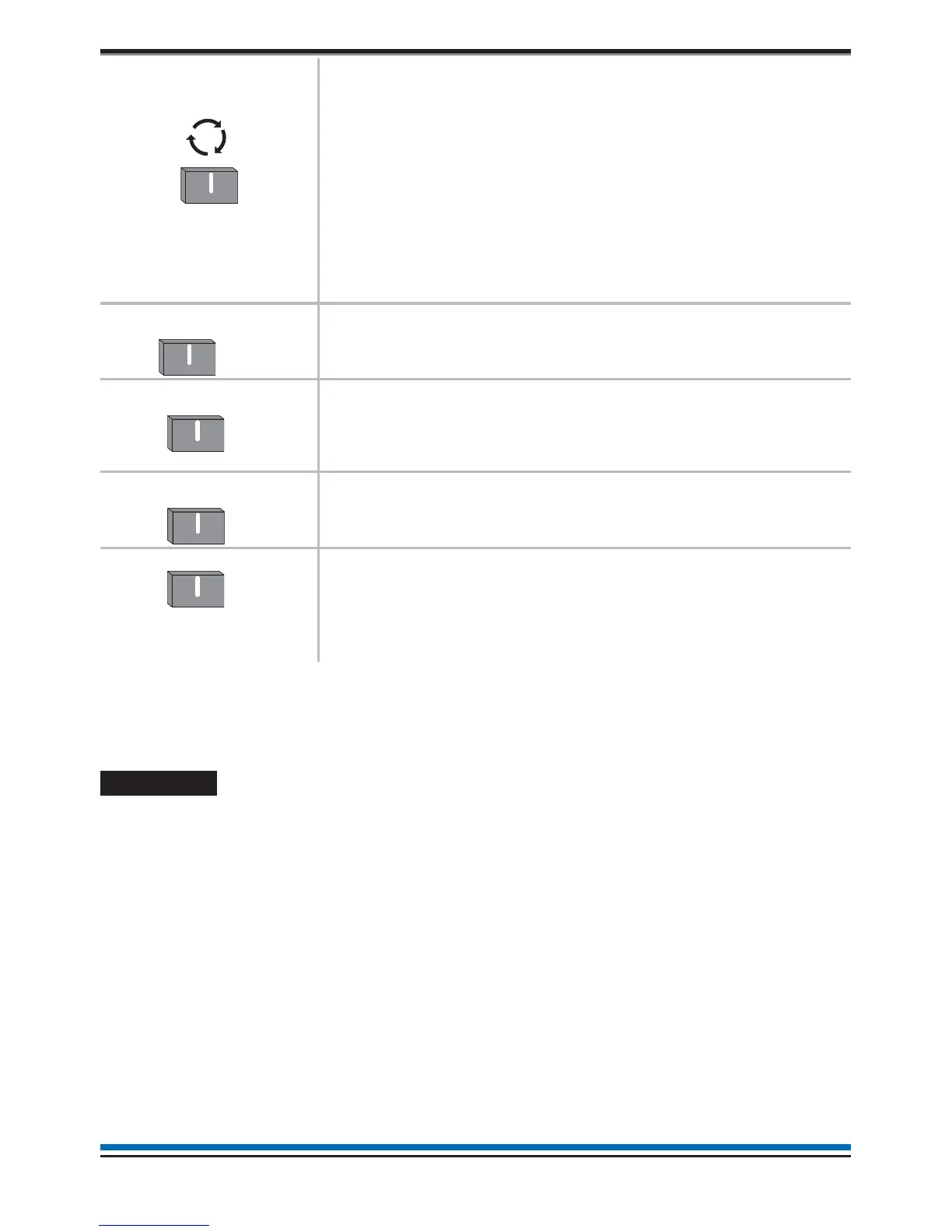
Verify v
This button is normally used to highlight the next menu or sub
menu option for selection. It is also used to scroll to the next
character position when entering a PIN code and similarly when
editing a text label.
In a fire condition this button is a selection for the 'Verify' option,
which is available when the 'Day mode' option is active and the
'Delay LED' is lit. Selecting the 'Verify' option will delay the
alarm further to provide the responsible person(s) time to
investigate the cause of the alarm and the option of cancelling
the alarm within the delay time period.
uv
The CANCEL BUZZER button when pressed will stop the
internal panel buzzer from sounding.
v
The SOUND ALARM button will activate all the alarm sounders
in the system. This button is only pressed in an emergency or
at other agreed times, for example when conducting a sounder
test or practice evacuation.
v
The SILENCE ALARM button will silence the alarm sounders in
the system.
v
The RESET button will clear any fire indication and messages
and return the panel to its normal condition, providing the
devices generating alarm have been cleared for normal
operation. If a fire condition occurs immediately after reset then
the indicated device should be investigated.
u This button may be configured to site specific operation at Access level 1 or Access level 2, latter
requiring a Customer mode PIN (factory setting).
v These buttons are operable on entry of a Customer Mode PIN code.
Navigation
On selecting the Menu option the display shows the user menu.
The functions and submenu options accessible are determined by the access level. The access level 1 is
without a PIN code entry, while access level 2 (Customer Mode) or higher access level will require a PIN code
entry. Normally the panel is at access level 1.
The instructions covered here are of all those menu options under Access levels 1 and 2.
At any level in a menu momentarily selecting the Back option will abort the operation.
At any point in a form selecting the Quit option will disregard and not save entries made and return to the menu
display. Once a form is filled-in you must select the Save option to acknowledge and save any changes made.
If the time taken between button presses exceed a few minutes then the panel will automatically revert to
system status indication.
The Customer Mode PIN code is programmed during the commissioning of the system and is passed on to
the person(s) responsible for the fire alarm system on site.
8
Operating instructions
Sound
Alarms
Silence
Alarms



 To Next Page