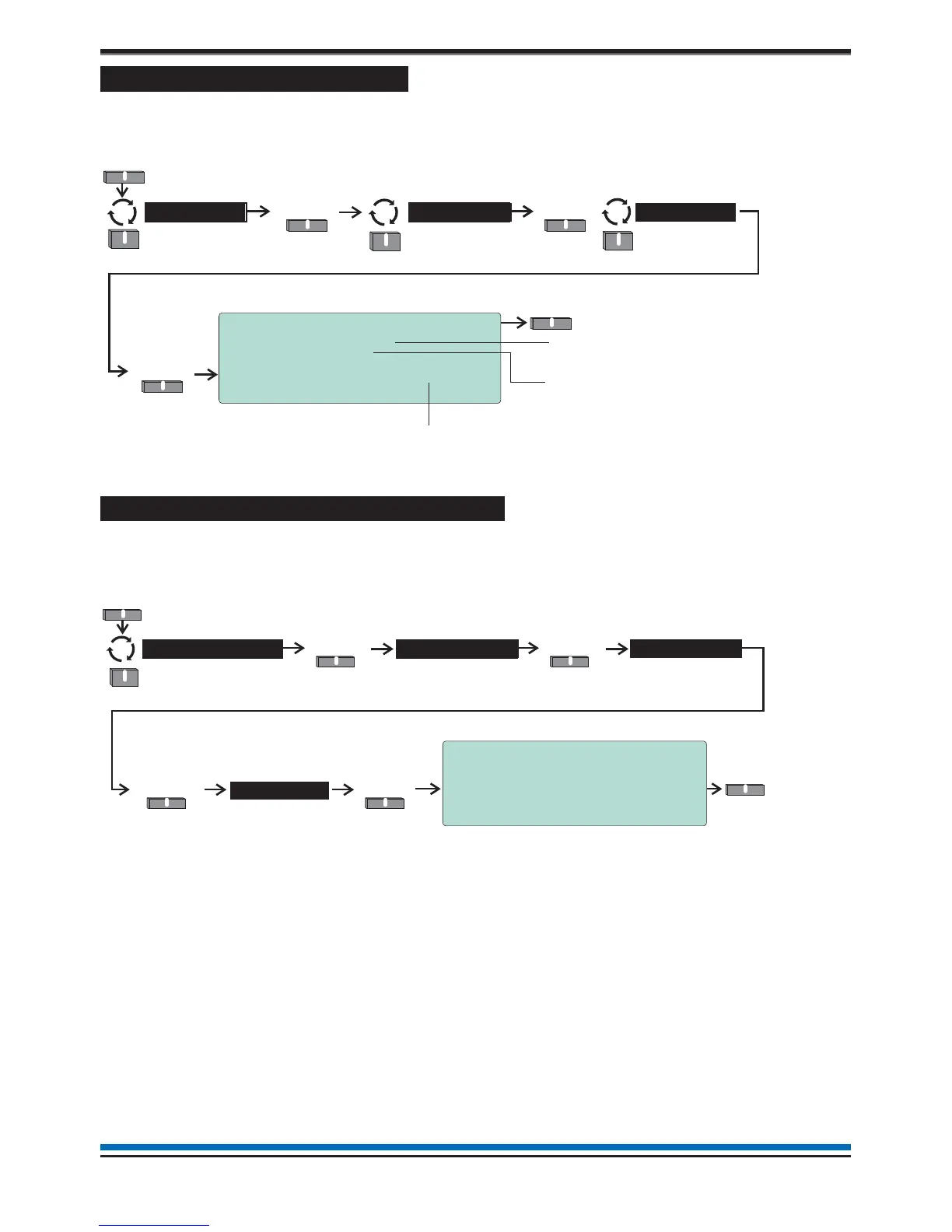
How to view the Loop status
The 'Loop status' form provides information about the number of devices on the loop circuit and the status of
the loop circuit. This form is accessible in the Customer Mode at Access level 2, see page 9.
How to view panel 'Firmware' version
To check you have the required panel firmware to support the installed system, you can view the firmware
version of the Main Controller, Loop driver and PSU. This form is accessible in the Customer Mode at Access
level 2, see page 9.
24
Operating instructions
10:15 Mon 11/01/10
Loop status
Current status : Started
Total devices : 127
Wiring Status : Complete
Last device found at address : 127
Back
Select
Loop >
Select
User
Menu
Status
Select
This value is the total numbe
of devices found on the loop
Here the current loop
status is ‘Started’
The device number of the last device found
on the loop circuit
Back
Select
System >
SelectSelect
Engineering
Menu
Versions >
10:15 Tue 12/01/10
Firmware Version Numbers
Main Controller V2.37 23-01-10
Loop Driver V1.03 15-01-09
Vig Compact PSU V2.05 01-07-08
Back
SelectSelect
Firmware
SelectSelect
Back



 To Next Page