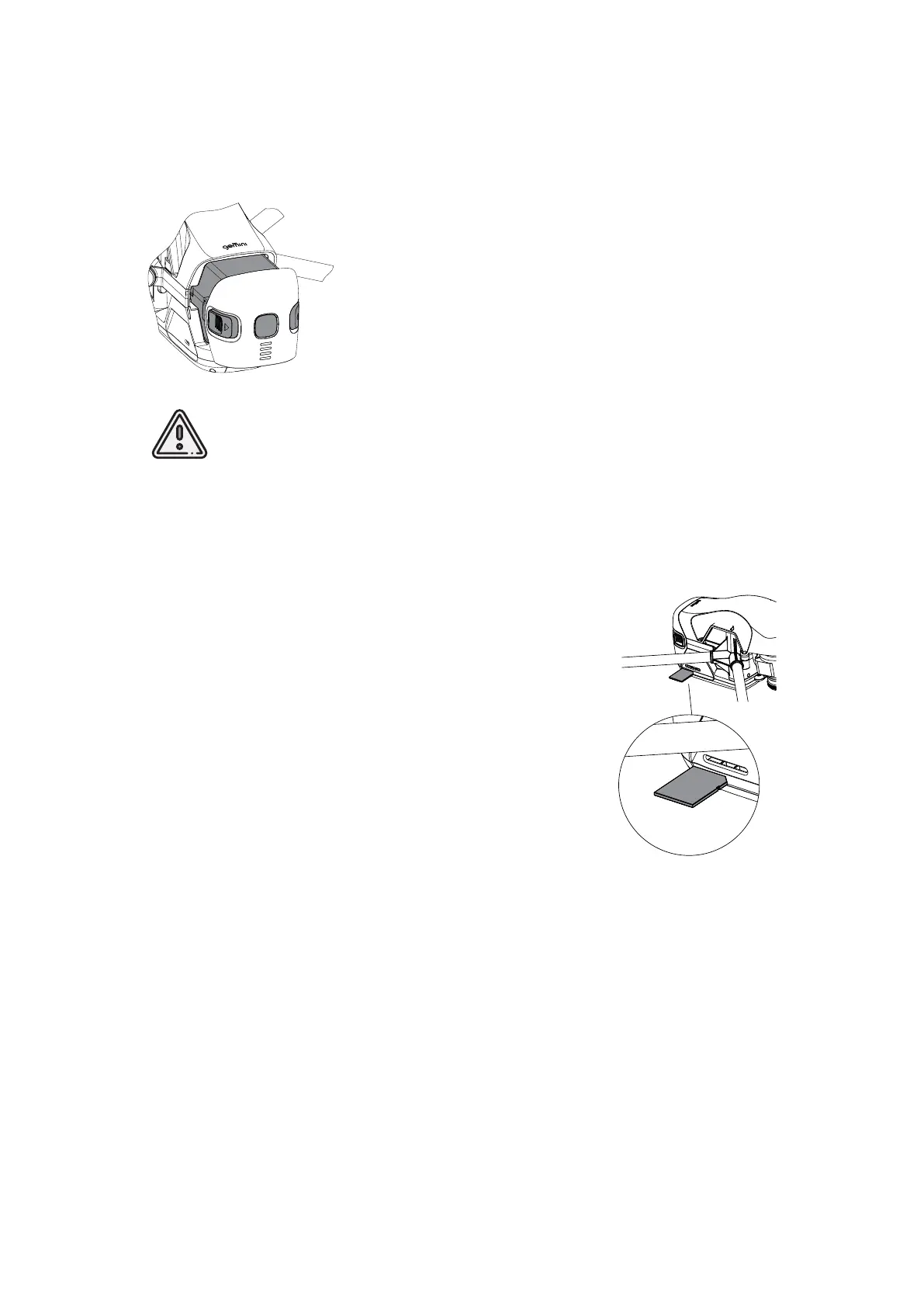
Battery Installing And Ejecting
Install the Flight Battery in UAV slot until the fixing mechanism
will click.
Press the Control Button once, again, and hold for 2 seconds
to turn UAV on.
To eject the Flight Battery press the Holding Buttons and pull
the battery out.
Do not remove the Flight Battery when the UAV power is on!
It can damage UAV systems!
SD Card Installation
Format SD card in FAT32 file system and install it in SD
Card Slot.
Make sure that SD card is securely locked in slot and can
be removed by pressing again only.
Flight task also can be performed without a SD card. In this
case, the aerial photo data of current flight will not be copied
to the SD card after passing last point of flight task and will
be saved on UAV internal storage only.
Use Clear memory command in Geoscan Planner software
to clean UAV internal memory.
15



 To Next Page