Flight By Points
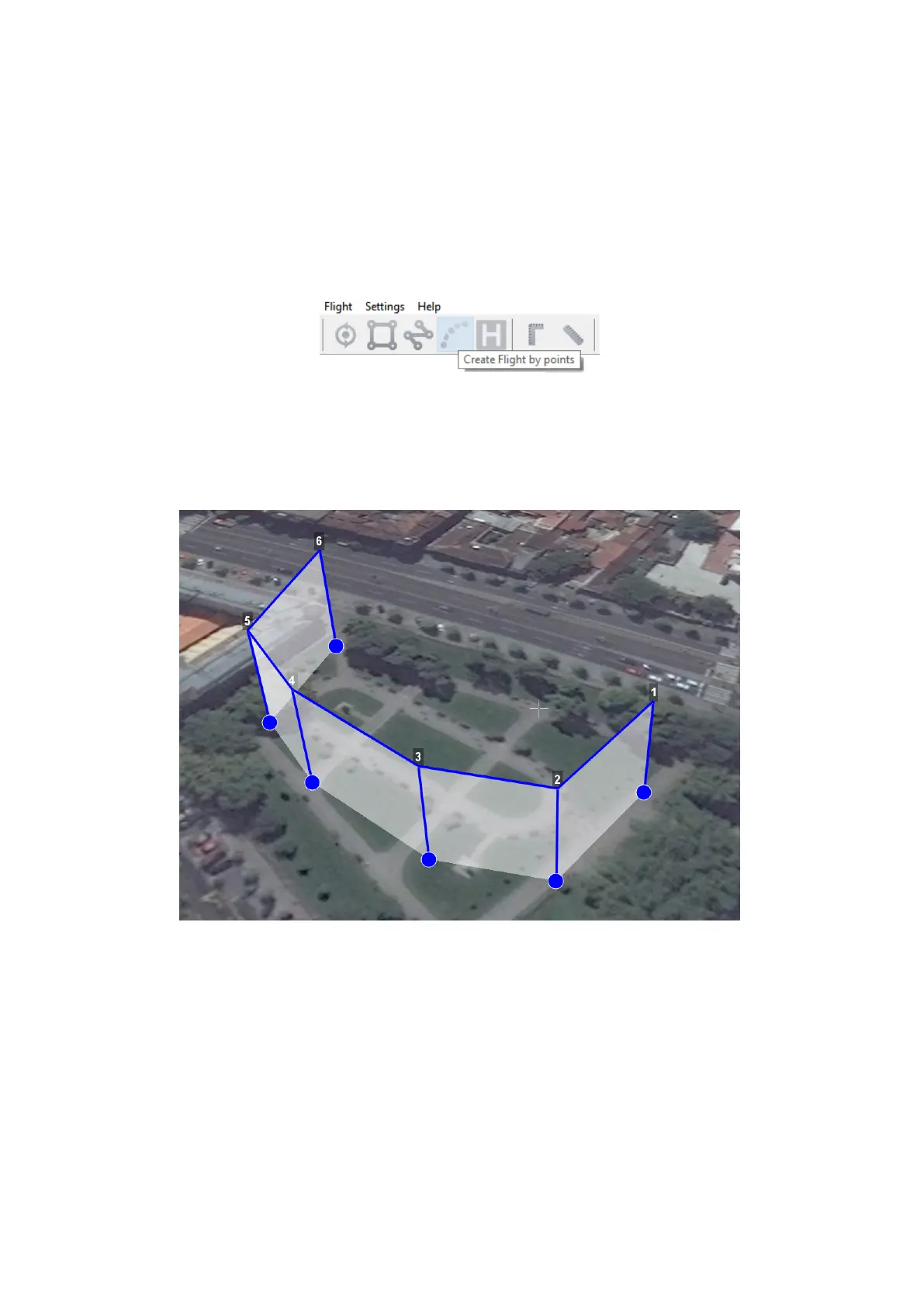
Create flight by points tool can be used for inspection of territories and overflights of
high-rise objects.
1) Press Create flight by points button on the toolbar.
Create flight by points button
2) Single clicks to select flight route points.
Flight by points
By default, aerial survey is not performed during the flight by points. Set up Photo mode
in Properties window, if you need aerial survey photos.
Click right mouse button to set delay time.
Select Set delay in point and set time of waiting (in seconds).
34



 To Next Page