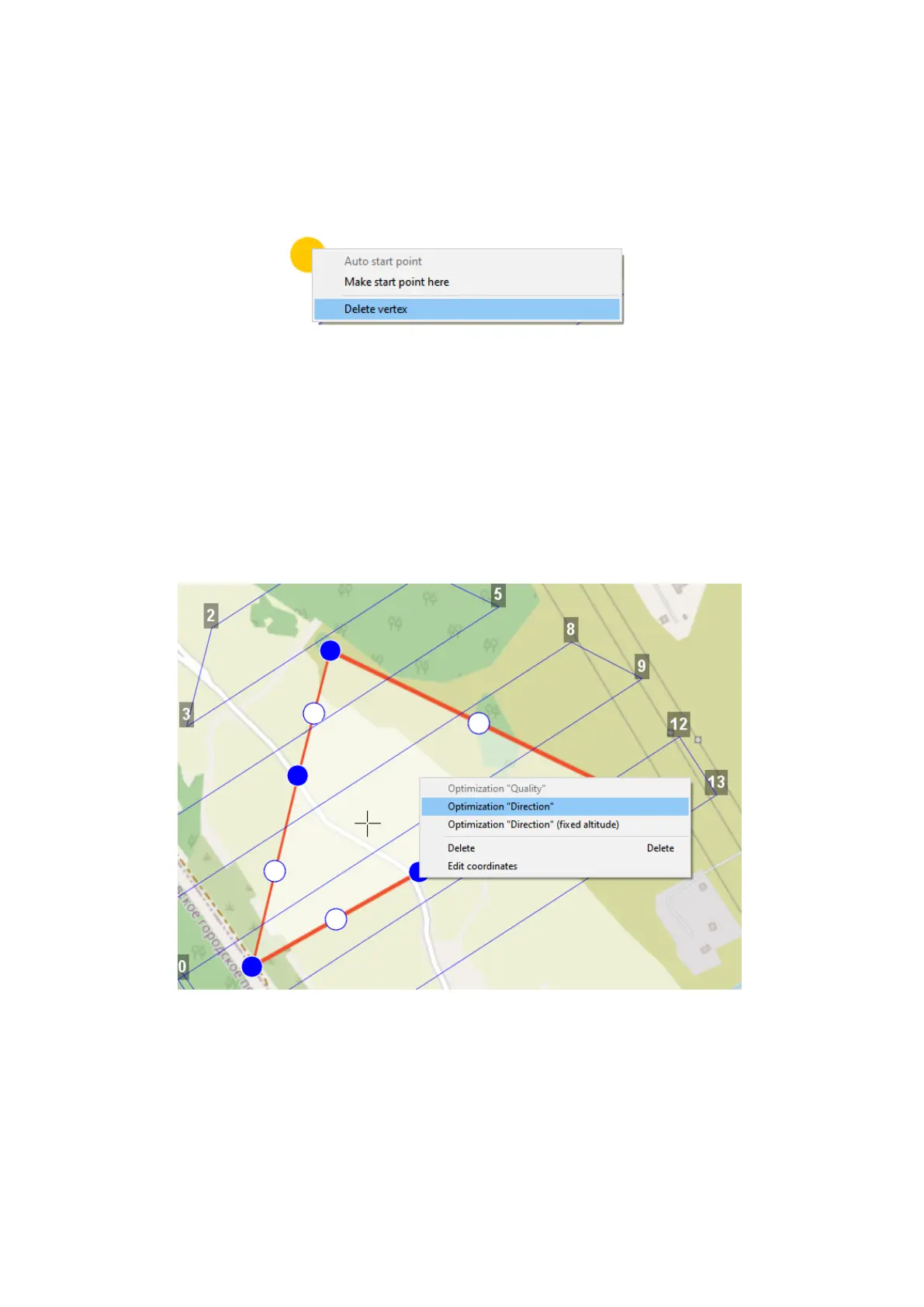
1) right click on the vertex;
2) select Delete vertex.
Delete vertex
Change Flight Route Direction
The need to change a flight route may be caused, if the force and direction of the wind
are unfavorable (strong wind along the flight route of the polygon).
Right-click on the polygon and select the option Optimization «Direction» in context
menu to change the direction of flight route.
Optimization by direction
30



 To Next Page