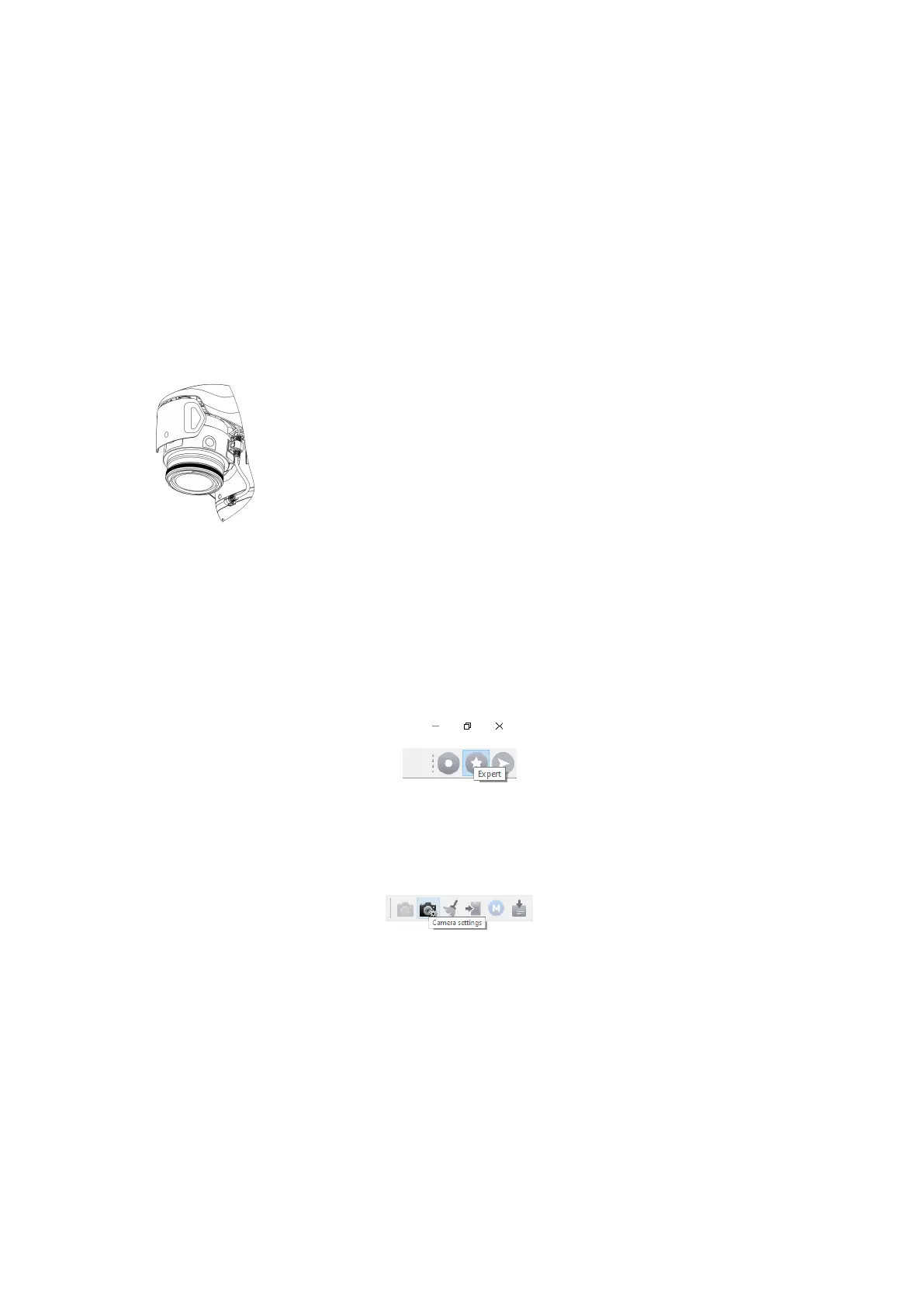
Digital Camera
Geoscan Gemini has onboard Sony UMC-R10C camera
with a 20.1 megapixel APS-C sensor and 20 mm lens f/2.8,
that provides less noise level and high dynamic range. This
features allow to take high-quality pictures even in low light
conditions.
Camera Settings
Camera can be configured in Geoscan Planner software. UAV must be connected to the
laptop. See Connection Settings section for more information. How to change camera
settings in Geoscan Planner:
• Click Expert button to select expert mode.
Expert mode button
• Press Camera settings button.
Camera settings button
Сamera settings will be shown in the Properties window.
Camera is activated directly during the camera stage of Start preparing check. The
settings you have set in the Properties window will be automatically loaded. Shooting
is performed automatically during the flight task.
16



 To Next Page