Guided Flight
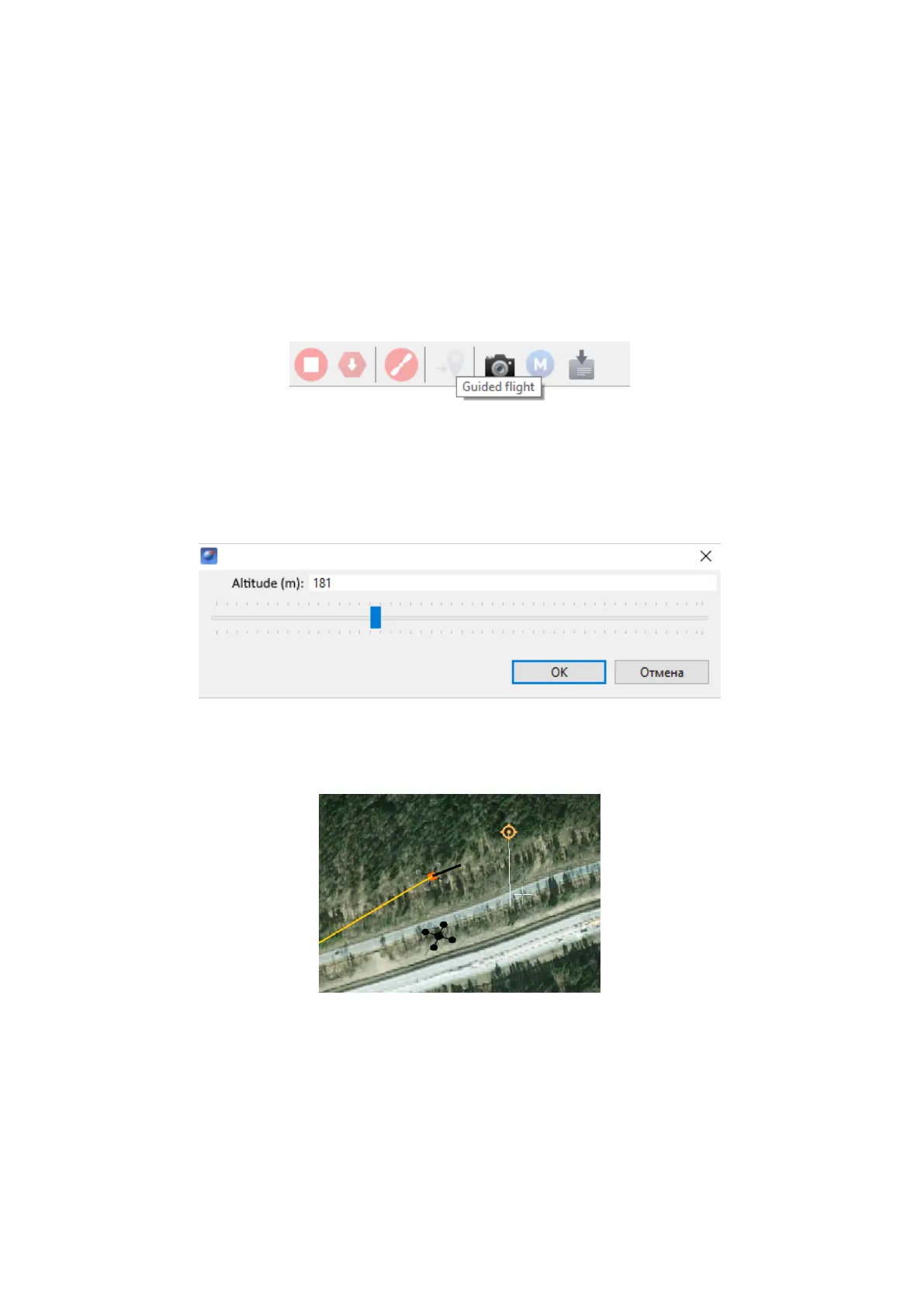
Guided flight option sets a destination point on the map and height. UAV will reach
the point and start point holding until flight confirmation or until the automatic return is
triggered by the battery low charge.
1) Press Guided flight button.
Guided flight button
2) Click a point on the map and set the flight height above the ground (Elevation).
Flight height setting
UAV will hold the point when it is reached.
Guided flight example
46



 To Next Page