Semi-automatic Control
Activation of semi-automatic control mode is possible after UAV pre-flight check and
take-off.
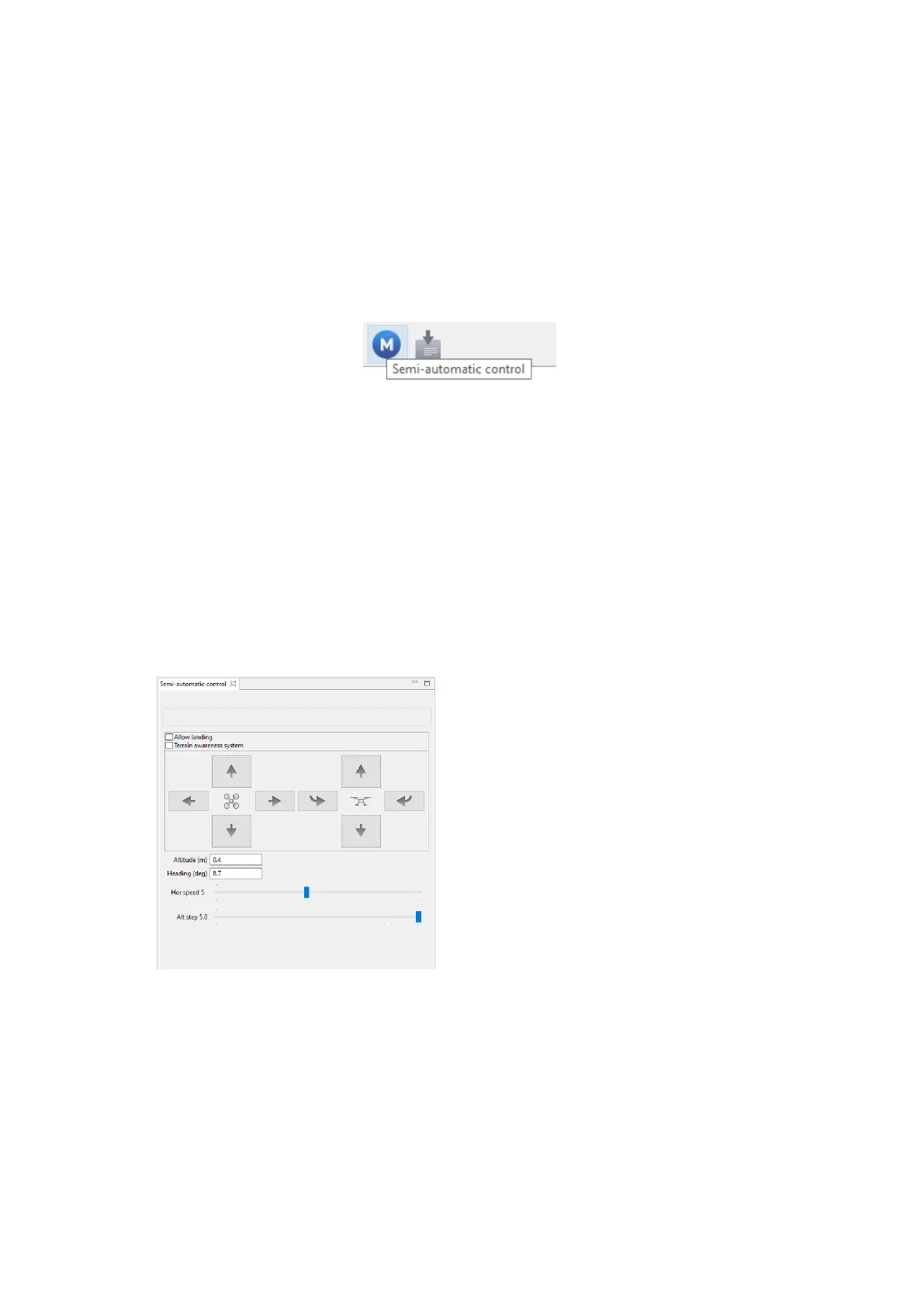
Press Semi-automatic control button.
Semi-automatic control button
The UAV control will be switched to semi-automatic mode.
In semi-automatic mode UAV will pause an areal flight task and
If the semi-automatic mode is activated, UAV will pause an linear or aerial survey.
Survey will be continued after turning off the semi-automatic mode.
By defaults semi-automatic control is performed by Speed control.
In this case, the rotation control is performed by buttons in semi-automatic control
window or by keys:
W — forward
A — turn left
S — back
D — turn right
T — up
G — down
[ — left rotation
] — right rotation
48



 To Next Page